inlynk logo

The Challenge Communities Face

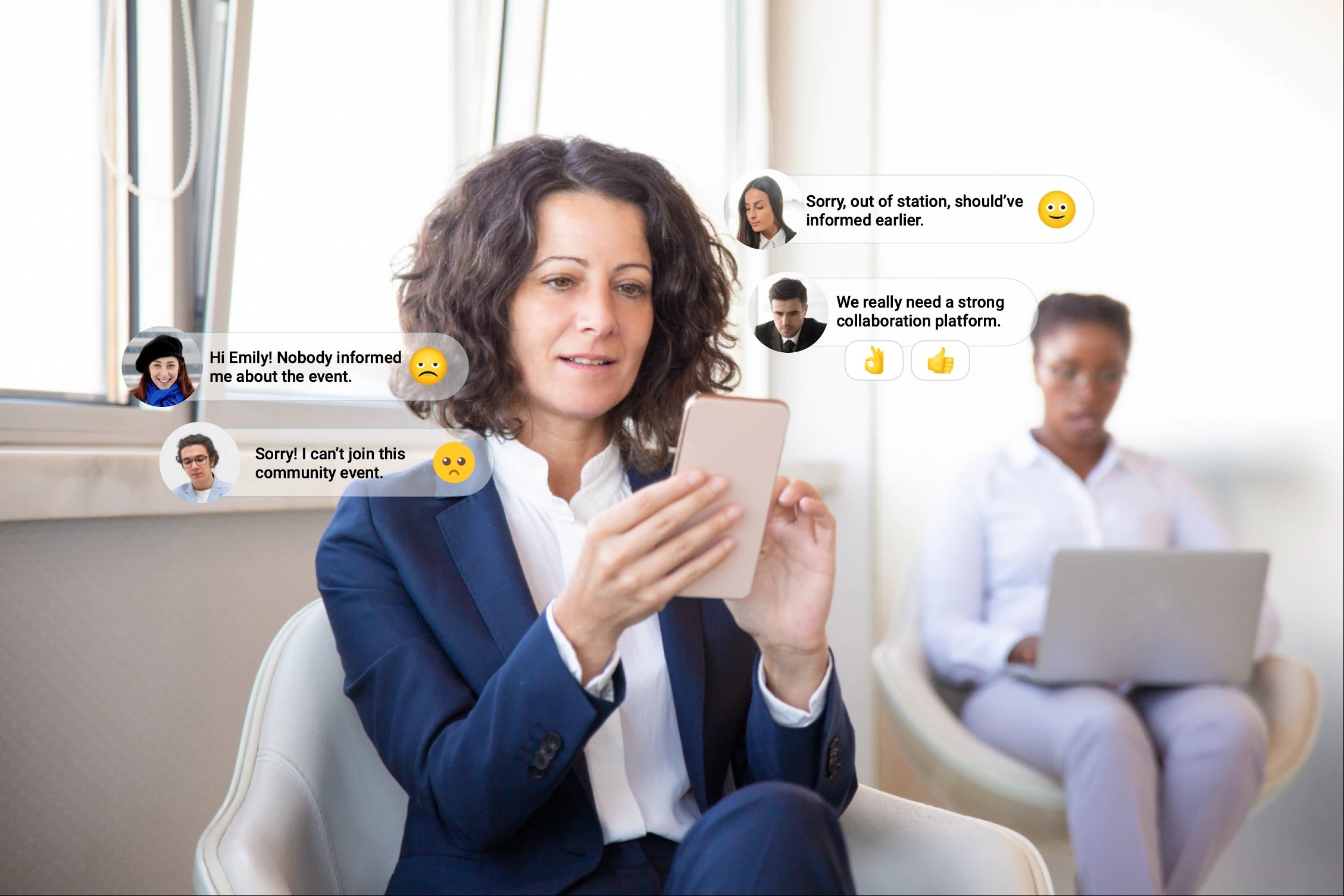
Building a community is never easy. Members join with excitement, but over time the energy fades. Conversations scatter, and valuable knowledge is lost in the noise.
Community Challenges

Disconnected Members

When members feel left out, their motivation to engage quickly fades.

Scattered Tools

Jumping between multiple apps makes it hard to keep everyone aligned.

Low Engagement

Without active participation, initiatives fail to create real impact.

Lack of Visibility

When voices go unheard, members feel undervalued and disengaged.

Build Your Community Without Barriers.

Communities thrive on collaboration, and inLynk makes it simple. With secure communication, knowledge sharing, and engagement tools all in one platform, inLynk empowers communities to connect, grow, and create real impact together.

Connect Your inLynk World

Connect Your inLynk World

Instant Collaboration & Sharing

Instant Collaboration & Sharing

Secure & Scalable Platform

Secure & Scalable Platform

FREE Forever For Communities

FREE Forever For Communities

Community Features that Build Meaningful Connections.

inLynk provides an interactive space where members can collaborate, exchange ideas, and engage in real conversations. With features like webinars, forums, and group discussions, it turns every community into a hub of learning and growth.

News Feed

Collaboration

Resource Hub

Media Drive

Menu Customization

Meetings & Webinar (Optional / Paid Version)

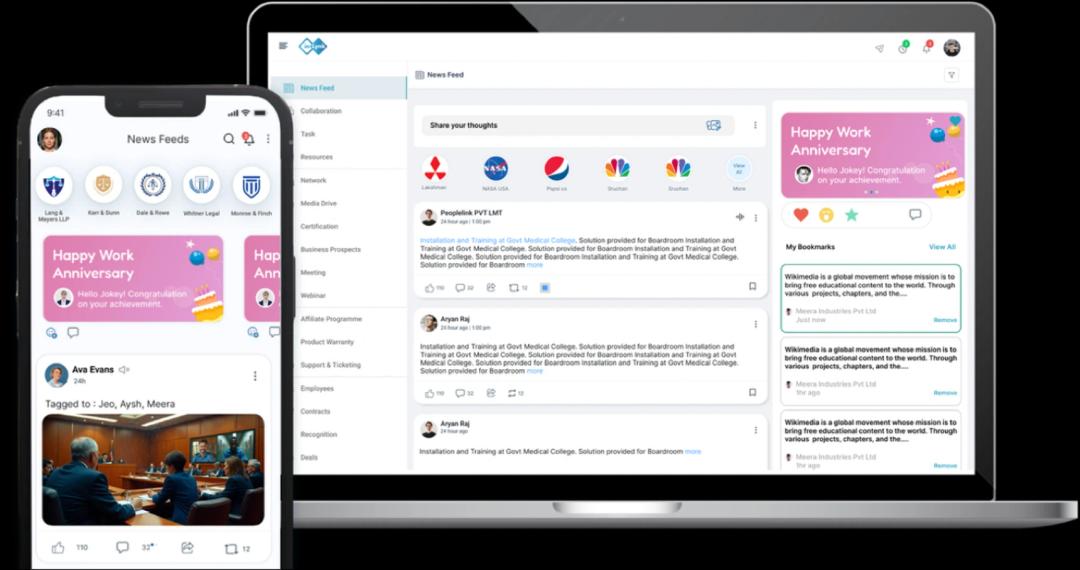
# News Feed Community Private Social Media

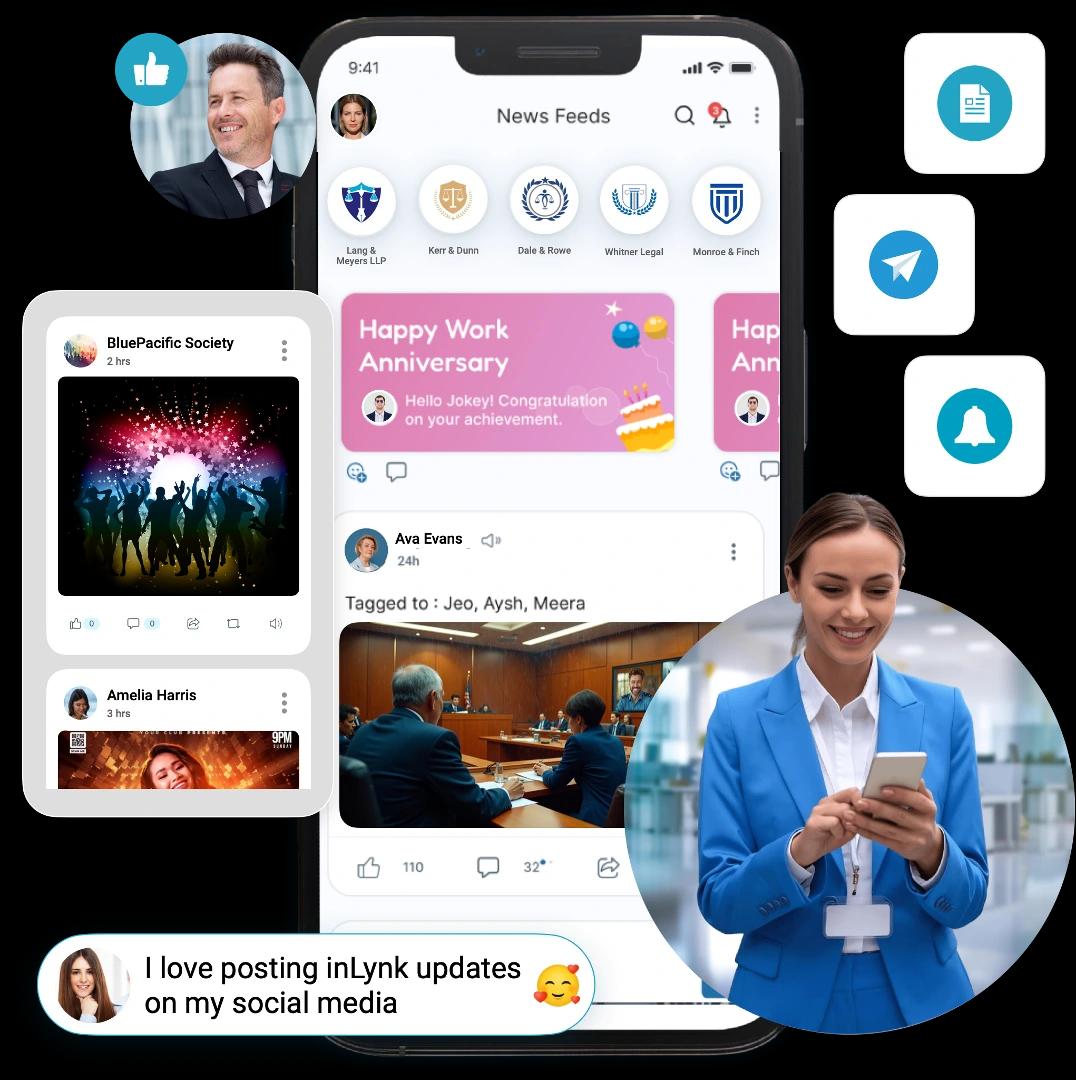
With inLynk's News Feed, communities get a private social media hub to share updates, stories, and insights. The feature promotes collaboration, sparks meaningful discussions, and ensures members stay connected with the latest happenings.
1. Real-Time Community Updates

  • Share announcements, events, and discussions instantly with all members.
  • Keep everyone in the loop with a steady flow of relevant content.
  • Build a vibrant community where updates spark active participation.

2. Interactive Engagement

  • Enable likes, comments, polls, and social media sharing to boost peer-to-peer interaction.
  • Create a space where every voice is heard, valued, and shared beyond the community.
  • Strengthen the sense of belonging through active two-way communication.

3. Customizable Content Flow

  • Allow admins to moderate and organize posts for better relevance.
  • Highlight achievements and personal recognitions on the leaderboard to inspire participation.
  • Ensure content aligns with the community's purpose and values.
Content Image

# Collaboration That Strengthens Communities!

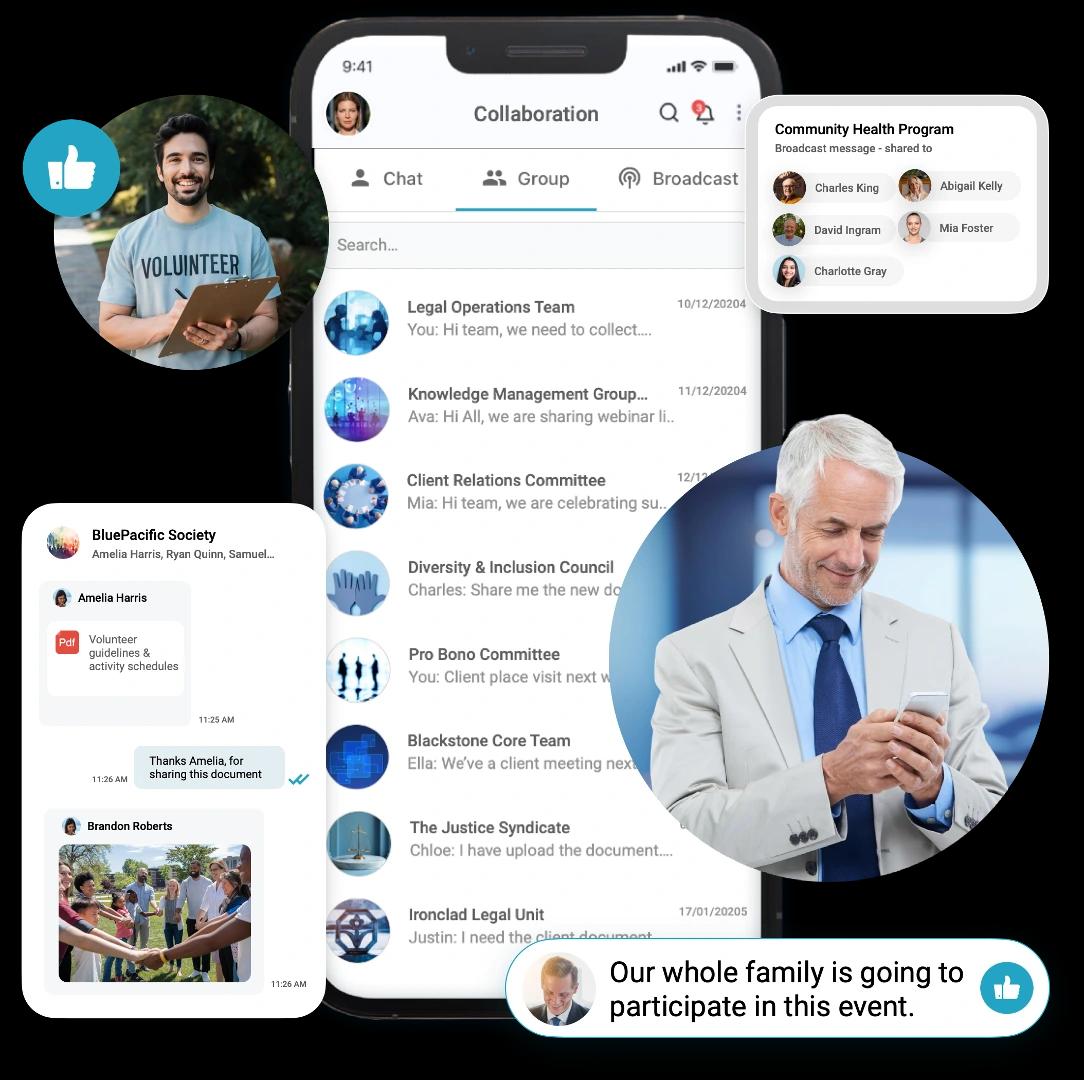
With inLynk Collaboration, communities get a powerful space to connect, brainstorm, and co-create. Members can exchange ideas, work together on shared goals, and build meaningful relationships that strengthen the community.
Content Image

1. Real-Time Discussions & Group HD Video Calls

  • Start instant chats, audio, or video calls to keep conversations flowing.
  • Reduce delays by resolving queries and sharing ideas on the spot.
  • Build deeper connections through direct and transparent communication.

2. Shared Workspaces for Ideas

  • Create shared workspaces for brainstorming, planning, and collaboration.
  • Encourage collective brainstorming and knowledge-sharing.
  • Turn discussions into actionable outcomes with organized contributions.

3. Role-Based Collaboration

  • Assign community leaders or moderators to guide and manage discussions.
  • Ensure structured participation by defining roles for effective teamwork.
  • Empower members to take ownership and contribute meaningfully.

# Resources
Your Community Knowledge Hub

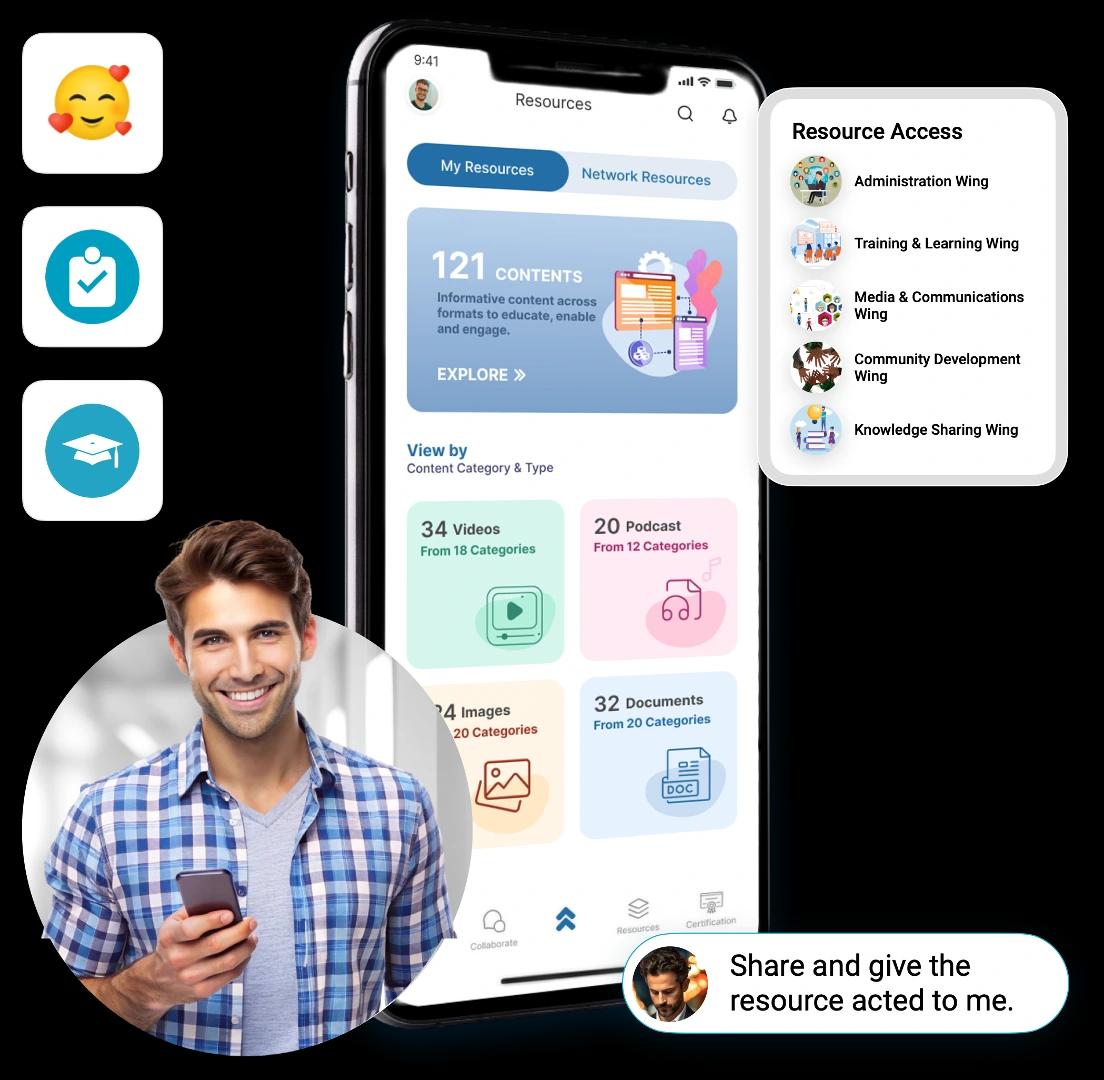
With inLynk Resources, communities can turn knowledge into an organized, easy-to-access library. It helps members share guides, documents, and learning materials that keep everyone informed, connected, and growing together.
1. Centralized Knowledge Sharing

  • Store community documents, tutorials, and learning materials in one place.
  • Make information easy to find with organized folders and tags.
  • Ensure members always have quick access to relevant resources.

2. Role-Based Access Control

  • Provide different levels of access based on member roles.
  • Keep sensitive resources secure while empowering active contributors.
  • Maintain trust by protecting community knowledge and data.

3. Continuous Learning & Growth

  • Share training content, FAQs, and best practices with members.
  • Celebrate knowledge-sharing through recognition and credits.
  • Help members upskill and grow, making the community stronger.
Content Image

# Media Drive
Share & Showcase Community Moments

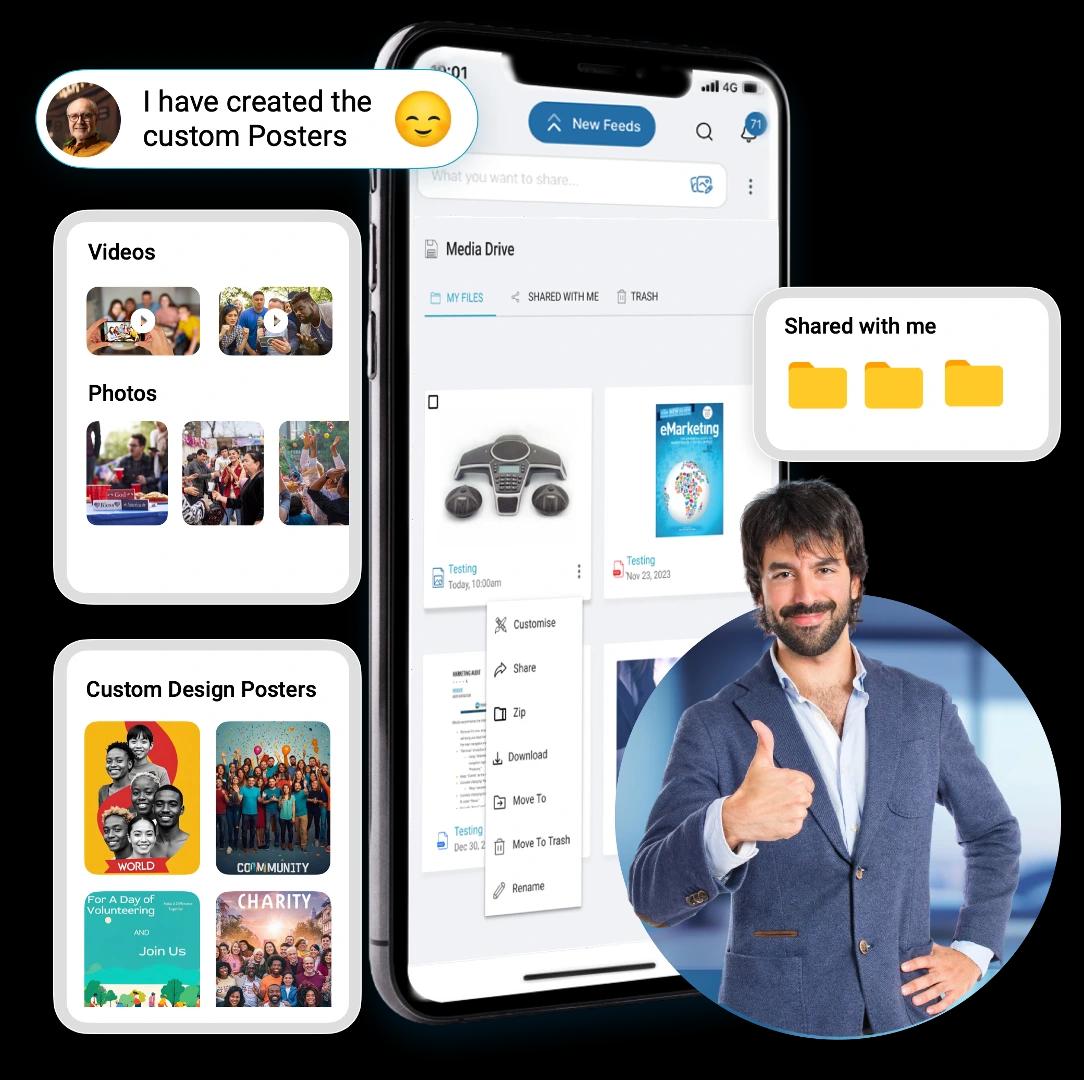
With inLynk Media Drive, communities get a secure space to store, share, and showcase media. Photos, videos, and creative content become easy to organize and accessible, helping members feel more connected and engaged.
Content Image

1. Central Media Library

  • Store all community photos, videos, and documents in one organized hub.
  • Avoid duplication with structured folders and tags.
  • Ensure every member can access the latest shared media anytime.

2. Easy Sharing & Collaboration

  • Upload and share event highlights, announcements, and creative content.
  • Allow members to download or repurpose files for wider reach.
  • Strengthen bonding by making media a part of everyday community life.

3. Creative Engagement Tools

  • Share custom-designed posters, banners, and event promotions.
  • Empower members to showcase achievements and celebrations.
  • Turn media into a tool for recognition, storytelling, and inspiration.

# Meetings & Webinars (paid version)
Enabling Virtual Growth & Collaboration

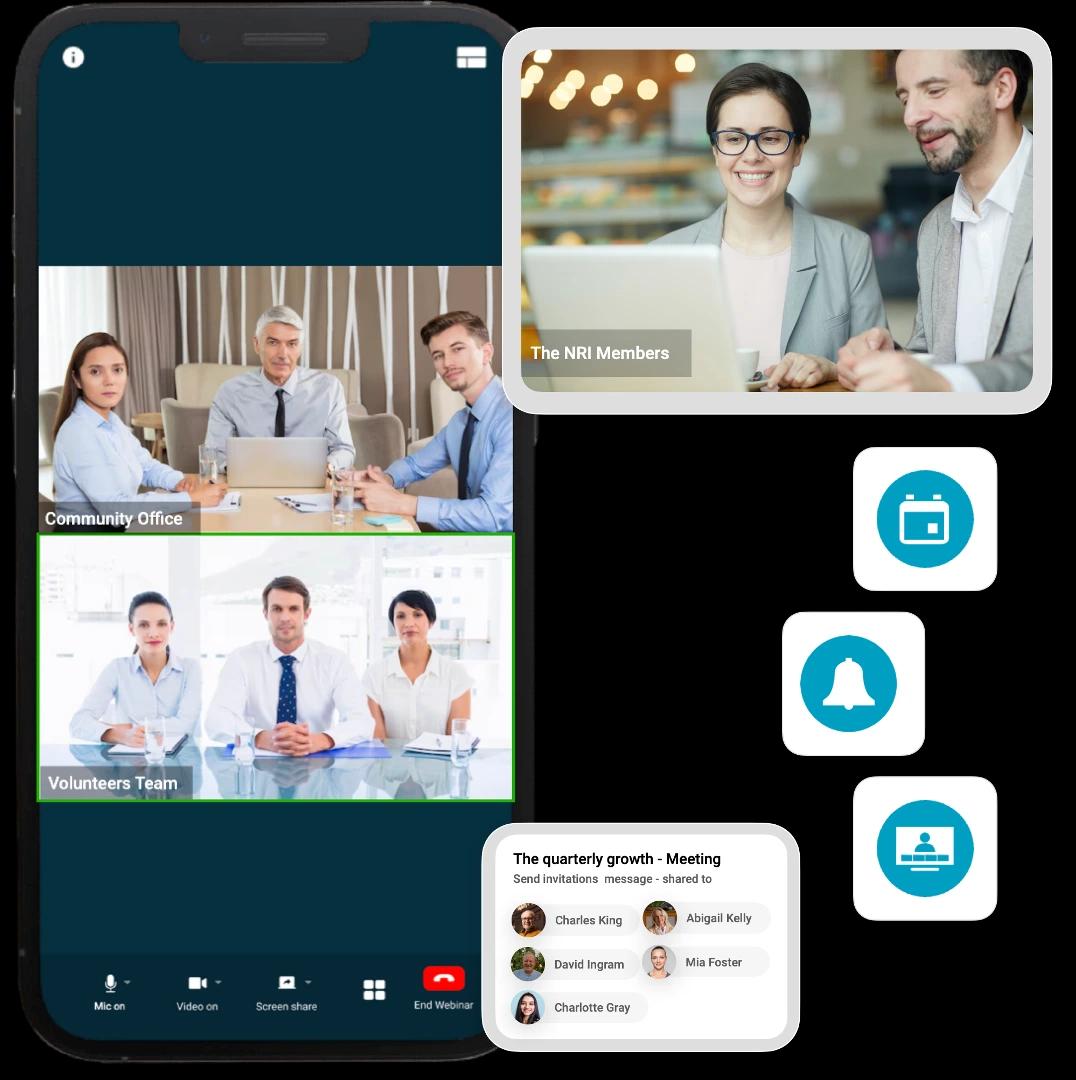
With inLynk’s optional and paid version Meetings & Webinars module, communities can go beyond free registration and host impactful online sessions. From knowledge-sharing meetups to large-scale events, this module helps communities strengthen bonds, upskill members, and showcase expertise in a professional setting.
1. HD Meetings & Training Sessions

  • Host high-quality video and audio meetings for community groups.
  • Schedule training or learning sessions tailored to community needs.
  • Record and save sessions so members who miss out can still benefit.

2. Interactive Webinars for Large Audiences

  • Conduct webinars to share insights, run workshops, or invite guest speakers.
  • Engage audiences with Q&A, polls, and interactive chats.
  • Expand community visibility by reaching members and external participants.

3. Collaboration & Engagement Tools

  • Share screens, files, and presentations during sessions.
  • Allow members to join from any device, anytime, anywhere.
  • Boost participation with flexible formats that suit different events.
Content Image

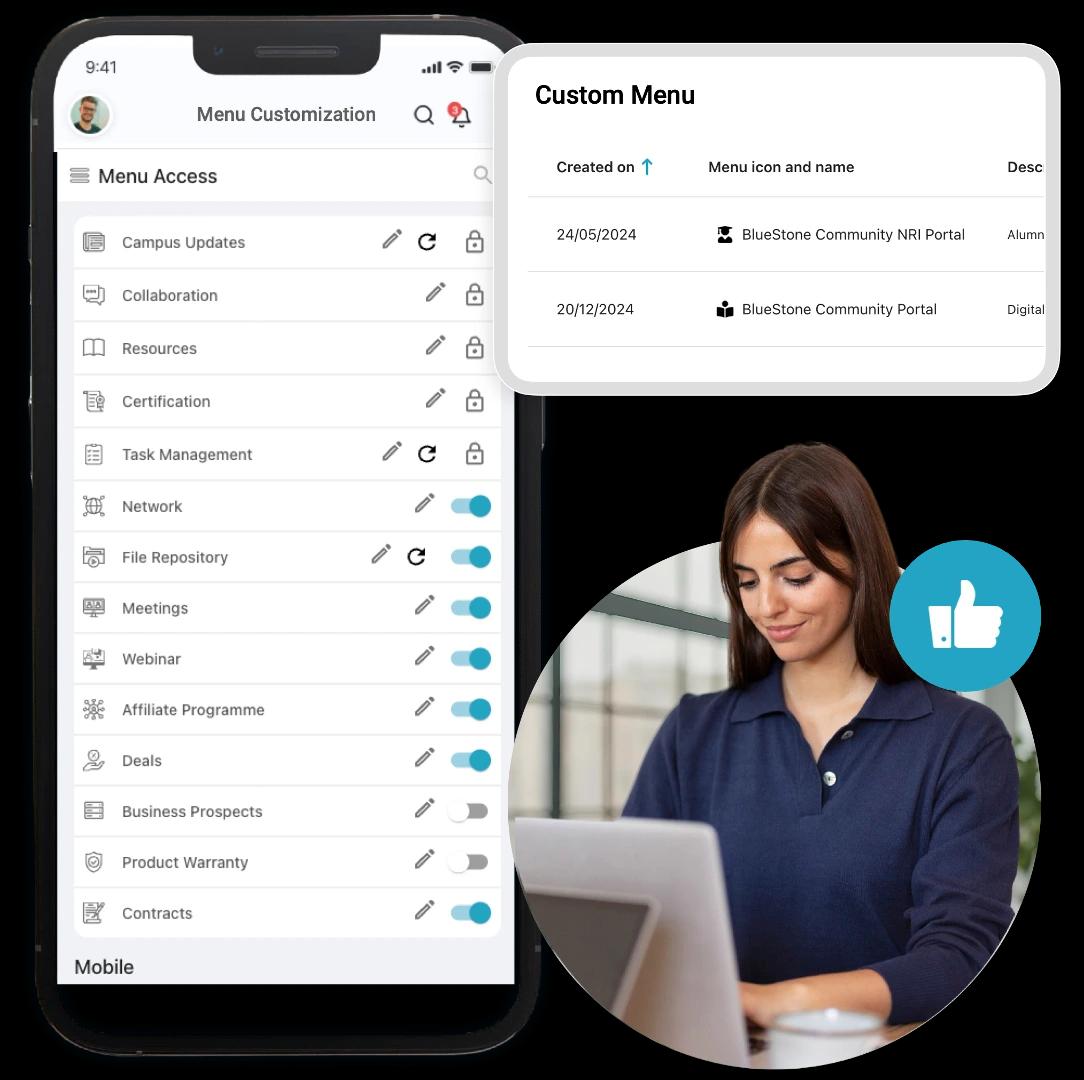
# Menu Customization
Tailor Your Community Experience

With inLynk’s Menu Customization, communities can design a portal that feels unique and relevant to their members. By personalizing menus, adding custom links, and simplifying navigation, admins can create a space that truly reflects the community’s purpose and enhances participation.
Content Image

1. Personalized Navigation

  • Rename or reorganize menus to match your community’s culture.
  • Highlight the most important features for quicker access.
  • Make the platform feel intuitive and member-friendly.

2.Custom Community Links

  • Add external links like event registration, helpdesk, or co-learning portals.
  • Centralize important resources in one accessible hub.
  • Simplify access to tools that strengthen community collaboration.

3. Enhanced Engagement

  • Surface only relevant features to avoid clutter and confusion.
  • Create a smoother experience that encourages frequent logins.
  • Build a sense of ownership as the portal adapts to member needs.

What Type of Communities Can Use inLynk?

Personal & Family Communities

  • Large Family Groups
  • Parenting & Kids Activity Hub
  • Neighborhood Connect

Social & Cause-Based Communities

  • NGO & Charity Supporters Hub
  • Cultural Exchange Forum
  • Environmental Action Group

Wellness & Lifestyle Communities

  • Women Wellness Support Hub
  • Meditation & Mindfulness Circle
  • Running & Cycling Clubs

Social & Friends Circles Communities

  • Festival Celebration Circle
  • School Batchmates Group
  • College Alumni Circle

Transform the Way Your Organization Shares Information

News Feed CTA

Frequently Asked Questions

1. What is inLynk Community Engagement?
It’s a secure digital space where communities can connect, communicate, and stay informed. It helps leaders share updates, engage members, coordinate activities, and build stronger relationships—all in one place.
2. Who can use the Community Engagement module?
3. How does inLynk make communication easier?
4. Can communities manage events and programs on inLynk?
5. Is the platform useful for volunteer and field team coordination?
6. Can large communities with multiple groups use the platform?
7. Is communication secure and controlled?