inlynk logo

Your Files Aren’t Lost — They’re Just Trapped in Silos

Most organizations struggle with a messy mix of local downloads, personal cloud accounts, and outdated email attachments. The result?

Version Chaos

Teams work on outdated documents because the latest version is buried in someone's inbox.

Security Risks

Sensitive company data is stored on personal drives without administrative oversight.

Wasted Time

Employees spend hours every week just looking for the right assets to do their jobs.

Knowledge Leakage

When an employee leaves, their critical project files and insights often leave with them.

inLynk Media Drive replaces scattered storage by bringing your personal workspace and departmental shared drives into one secure, searchable ecosystem.

Command & Control Your Entire Digital Asset Ecosystem

Search fatigue with a high-performance repository that unifies personal work and team collaboration.

Private Social & Media Drive

Personal Workspace for Focused Productivity
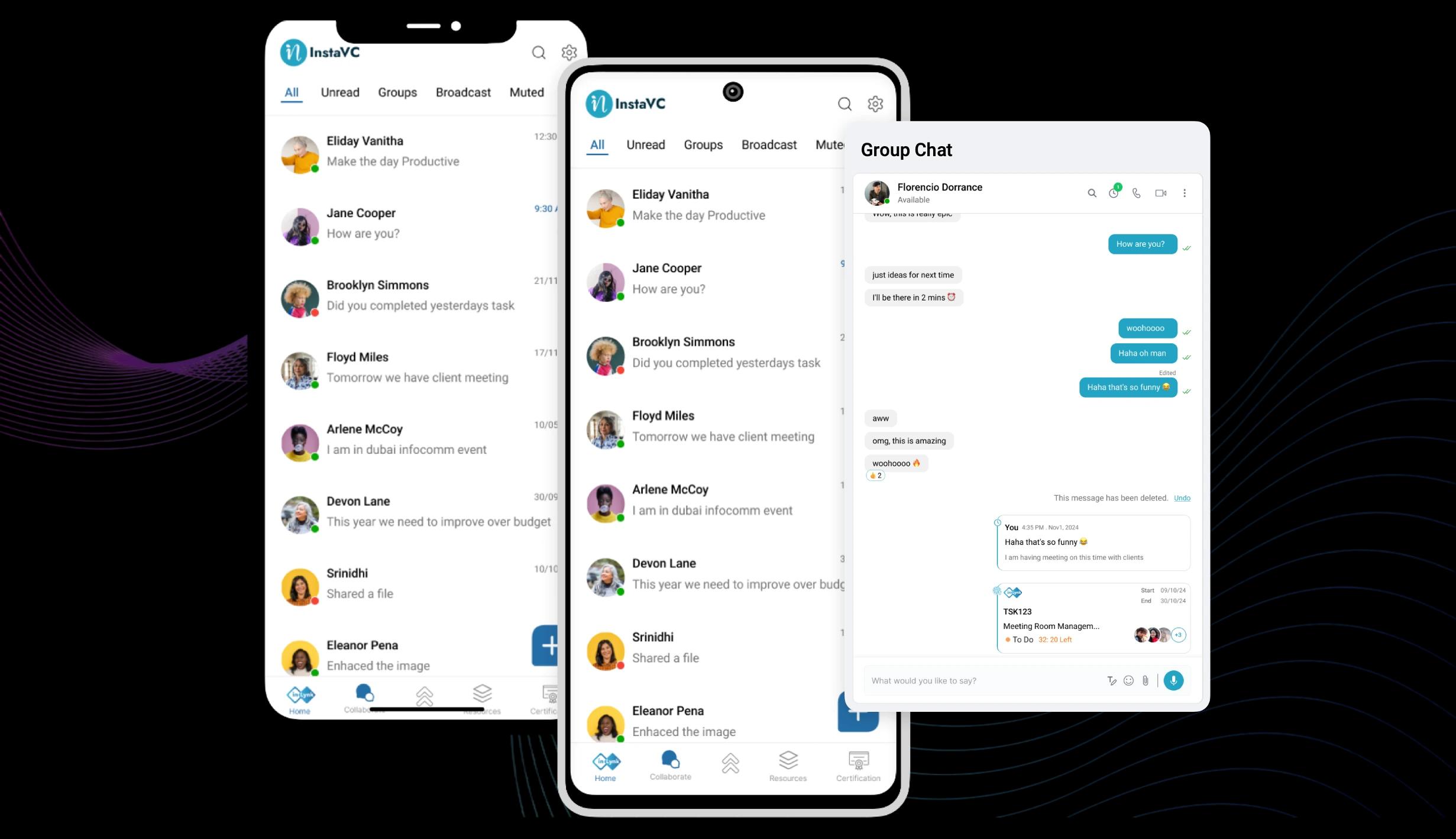
  • Every user receives a private, end-to-end encrypted drive to manage individual drafts, research, and sensitive files.
  • Create custom folder structures and use smart-labeling to find your work-in-progress assets in seconds.
  • Sync your personal drive across web and mobile, ensuring your essential documents are always within reach, even on the go.
  • Seamlessly move files from your private drive to shared team drives once they are ready to share.
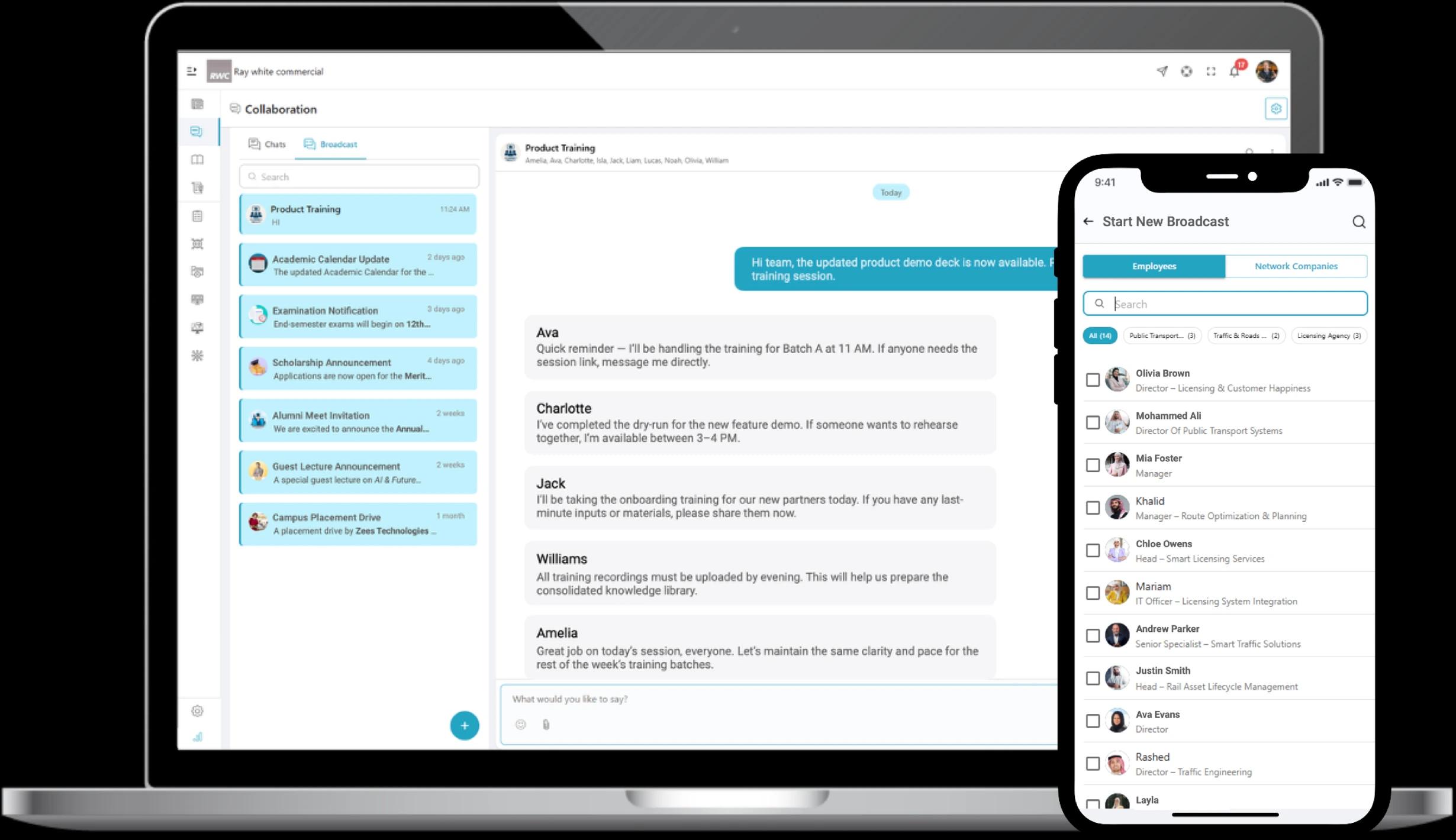
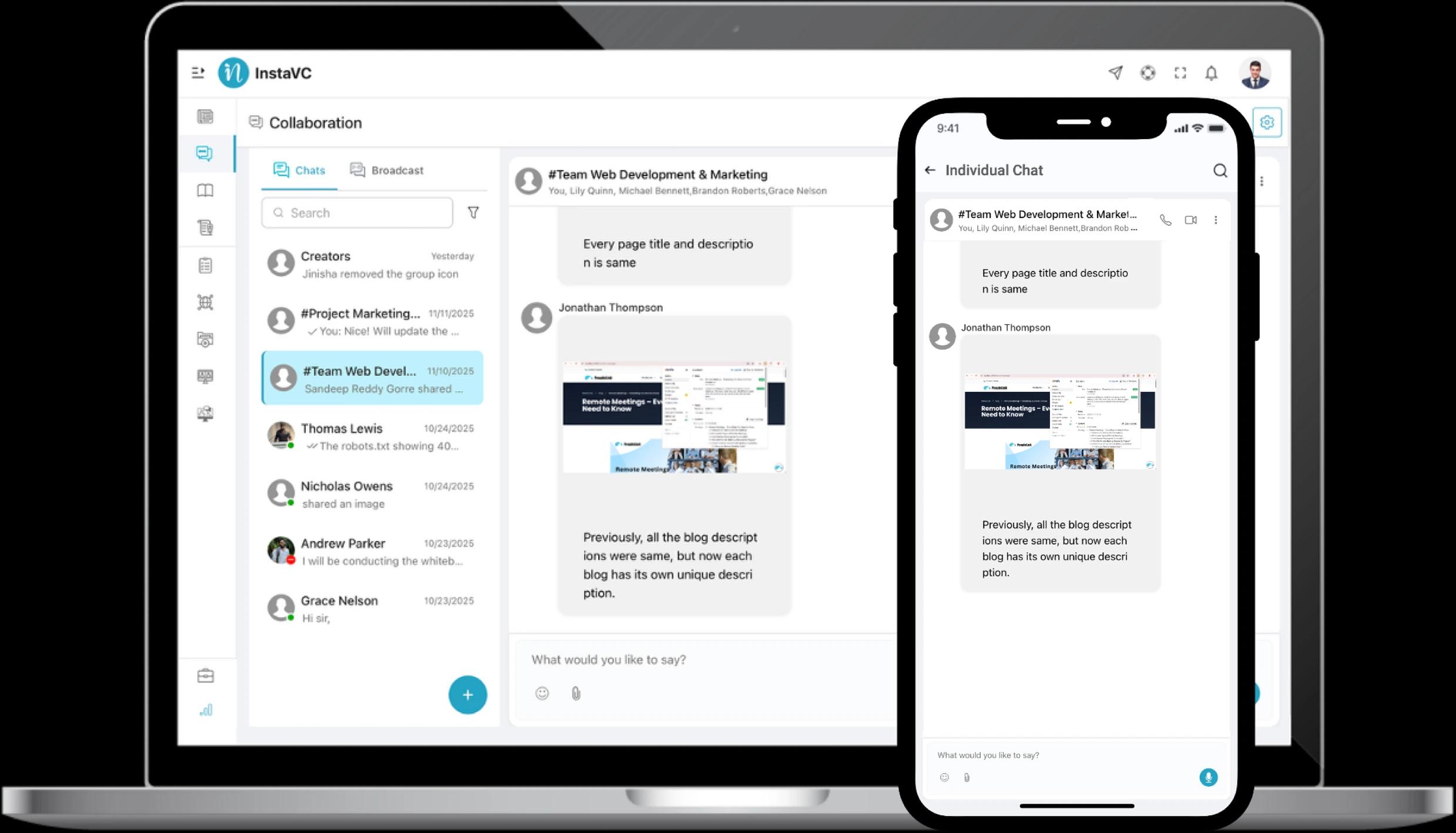
Smart Collaborative Chats

Collaborative Shared Drives

Departmental Hubs for Seamless Alignment
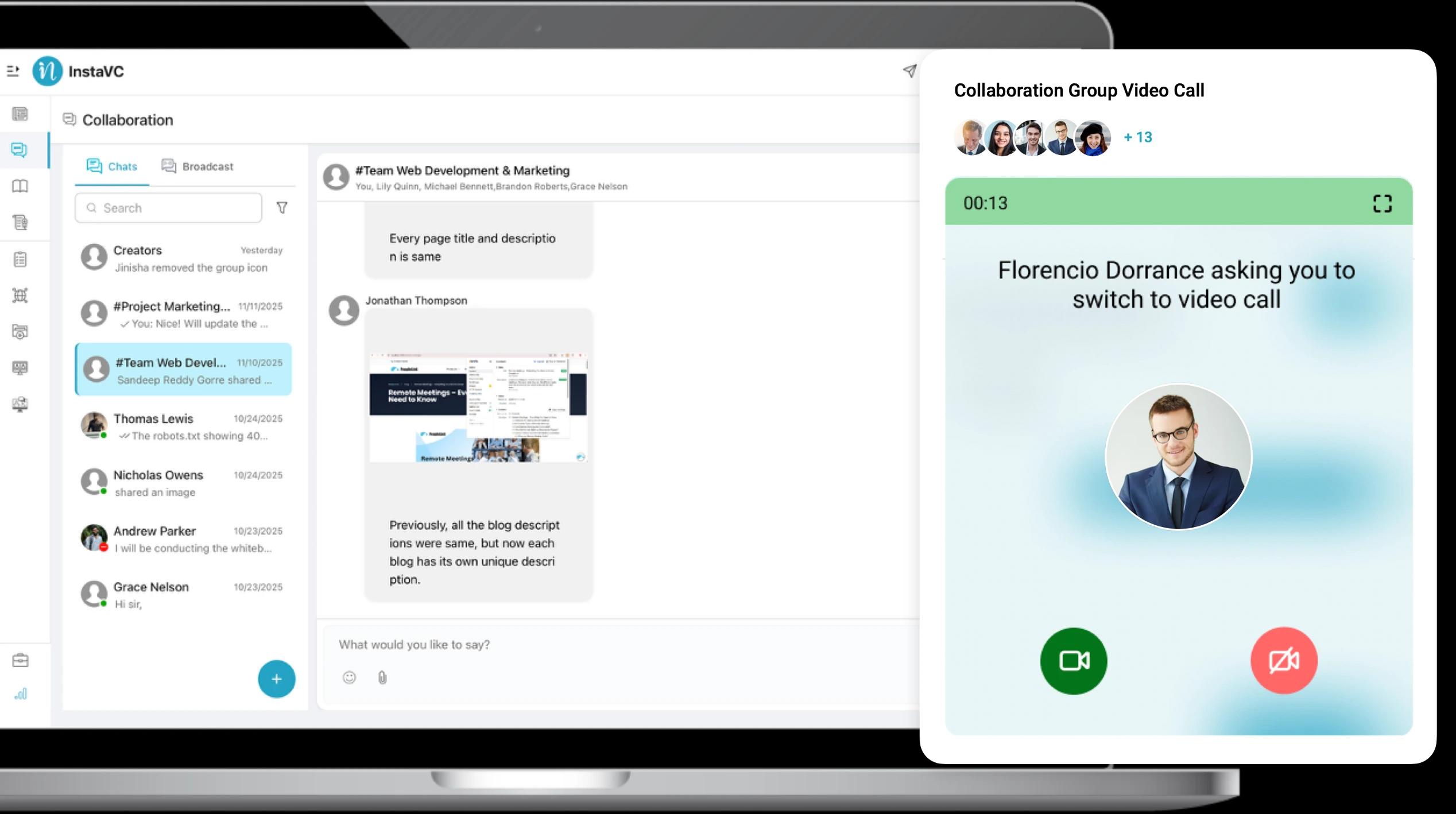
  • Establish dedicated drives for Marketing, HR, Finance, or specific Projects to keep teams aligned.
  • Ensure every team member is working on the latest version of a file, eliminating the chaos of email-based revisions.
  • Link shared drive files directly News Feed stories for a unified workflow.
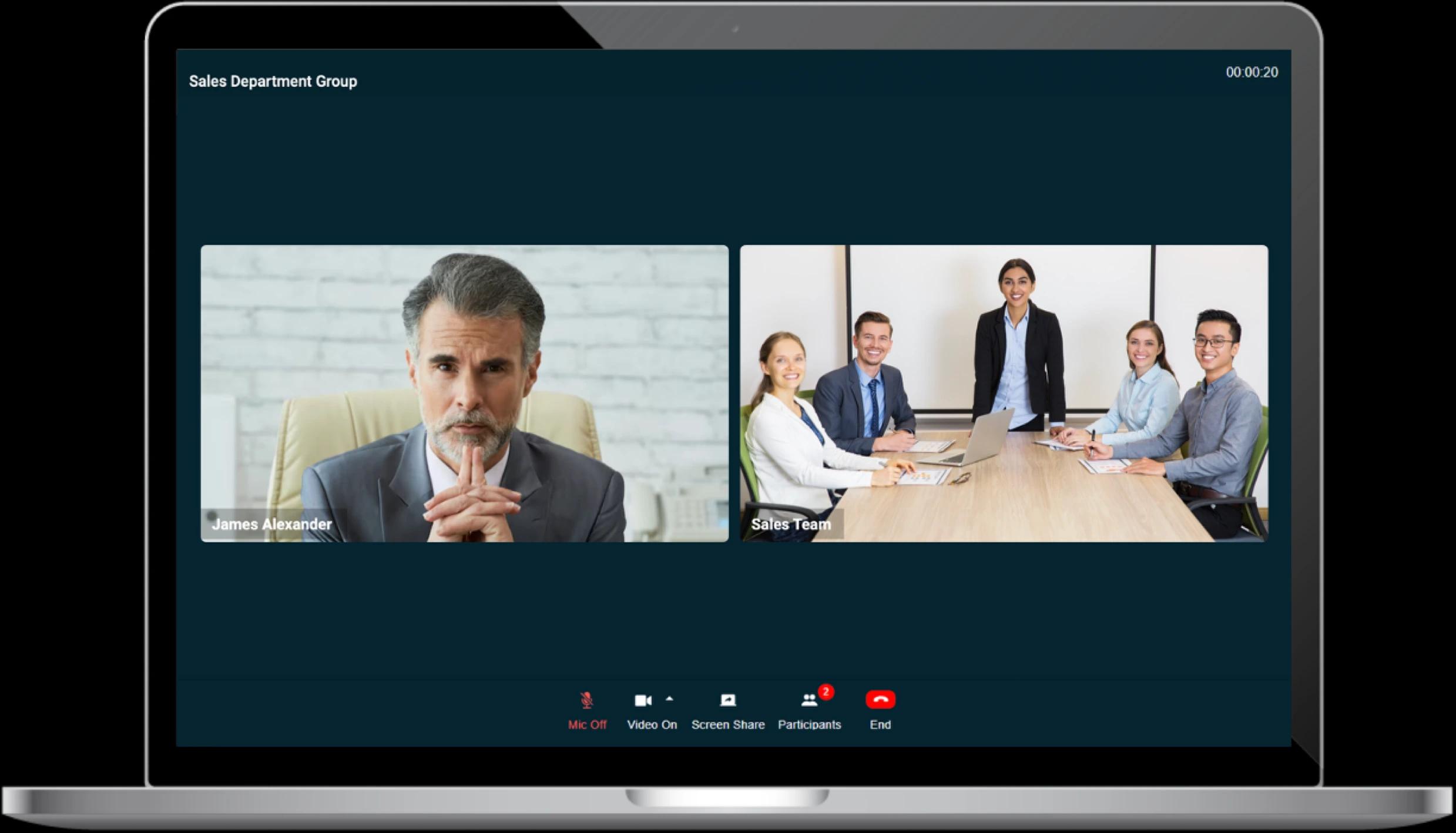
HD Audio & Video Meetings

Dynamic Role-Based Access Control

Precision Permissions and Data Governance
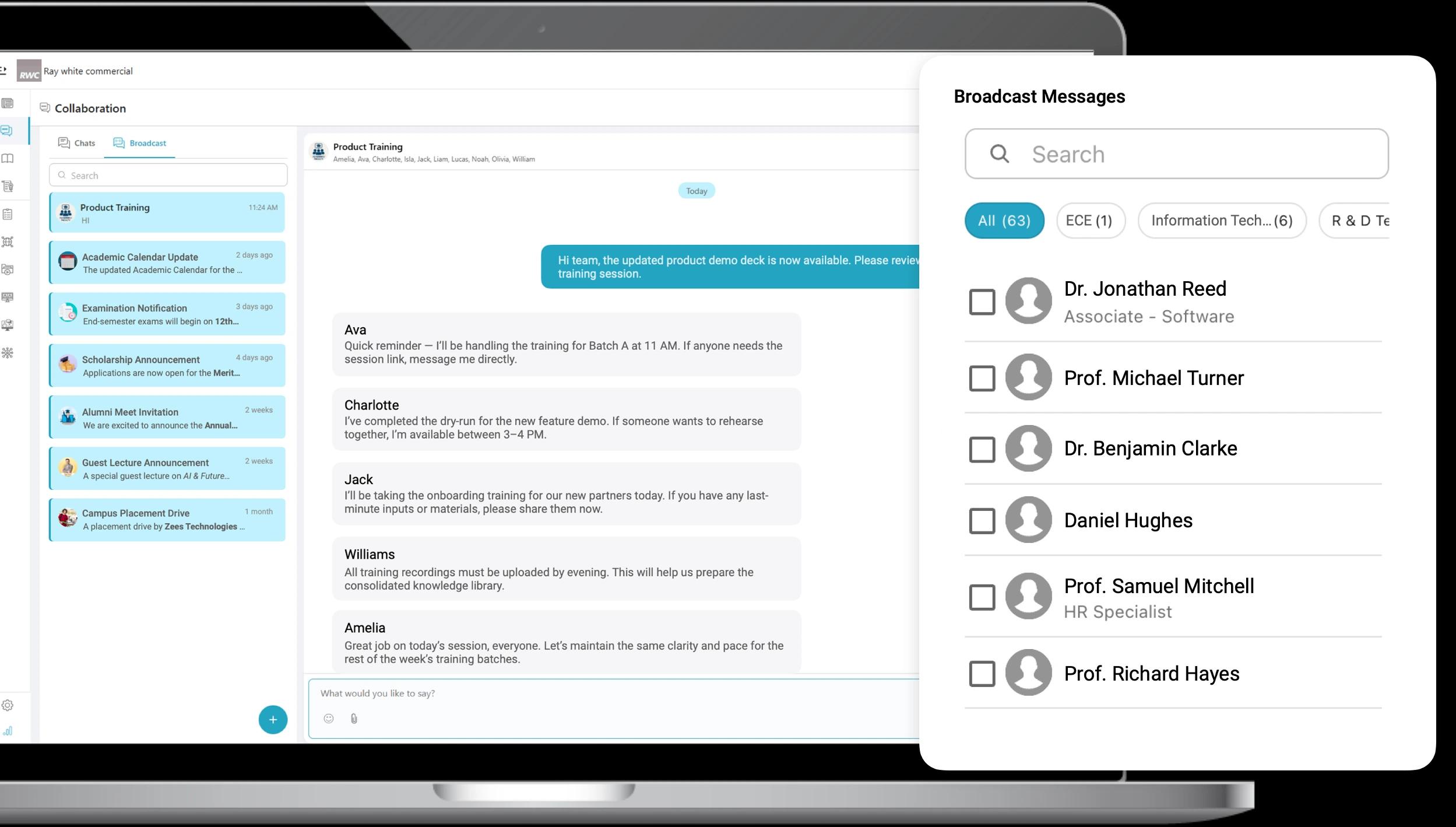
  • Assign View Only, Edit, or Full Admin access to specific folders based on the user's role or department.
  • Grant temporary, permission-based access to external partners or vendors without compromising your core internal security.
  • Empower Super Admins to monitor organization-wide storage usage and compliance from a single dashboard.
Instant Broadcast Messages

Custom Branding & Professionalism

Tailored Identity for Internal and External Sharing
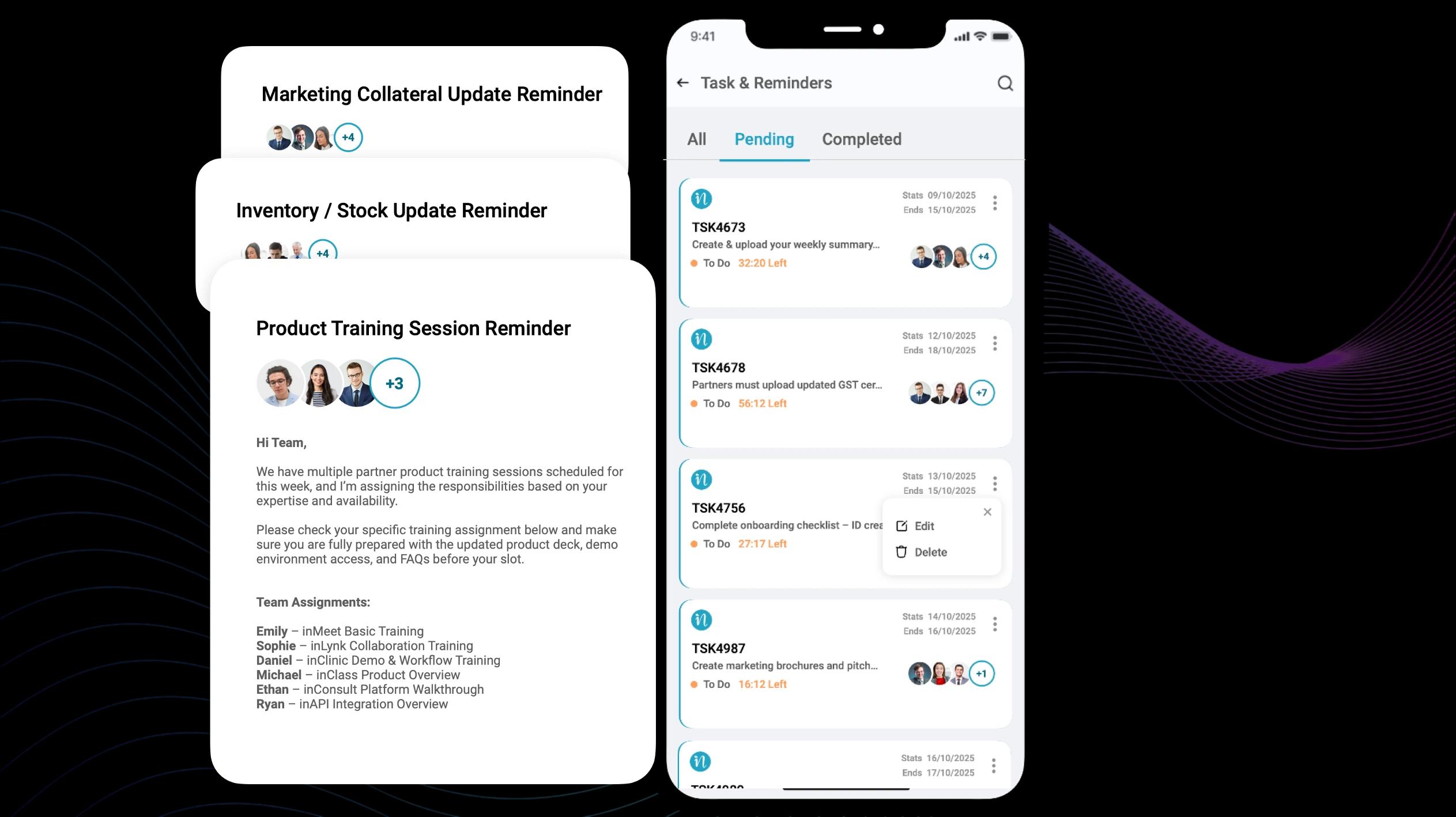
  • Present files to clients and partners in a sleek, branded environment that builds trust and authority.
  • Ensure a uniform look across all resource libraries, making it easy for employees and partners to recognize official company assets.
  • Reinforce company culture by using the Media Drive as the primary source for branded templates, logos, and media kits.
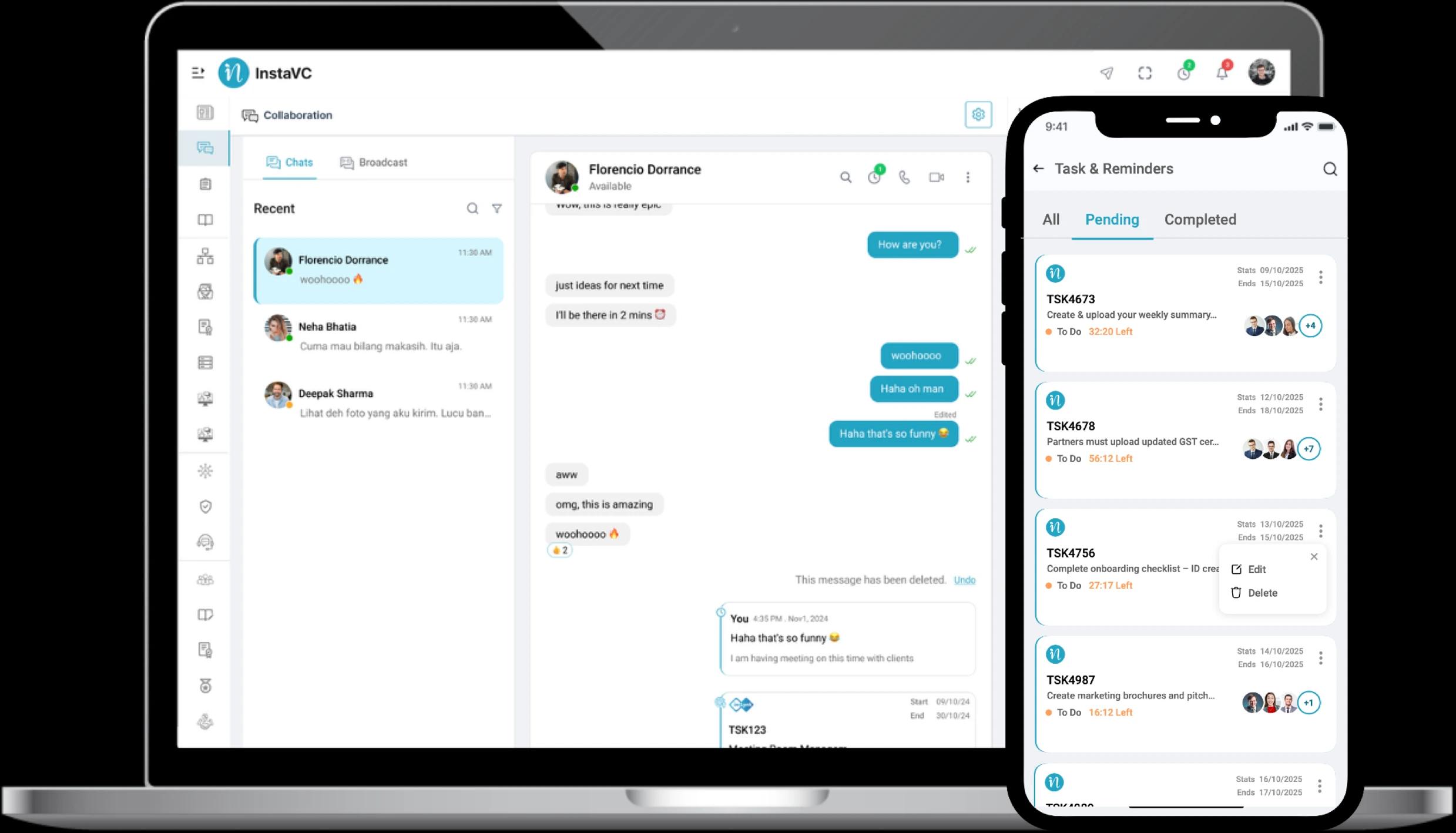
Easy Tasks & Reminders

Work Feels Easier with inLynk Media Drive in One Place

A clean, organized digital repository that helps your team stay creative, compliant, and focused on growth.

Enterprise-Grade Security

Protect your most valuable assets with role-based access.

Scalable Architecture. Built to Expand

Add departments, partners, and terabytes without ever outgrowing your workspace

Faster Decisions. Zero Search Fatigue

Smart labeling and centralized hubs allow your team to find critical resources instantly, accelerating approvals and project timelines

Tailored Media Solutions for Every Department

inLynk Media Drive adapts to your specific departmental workflows
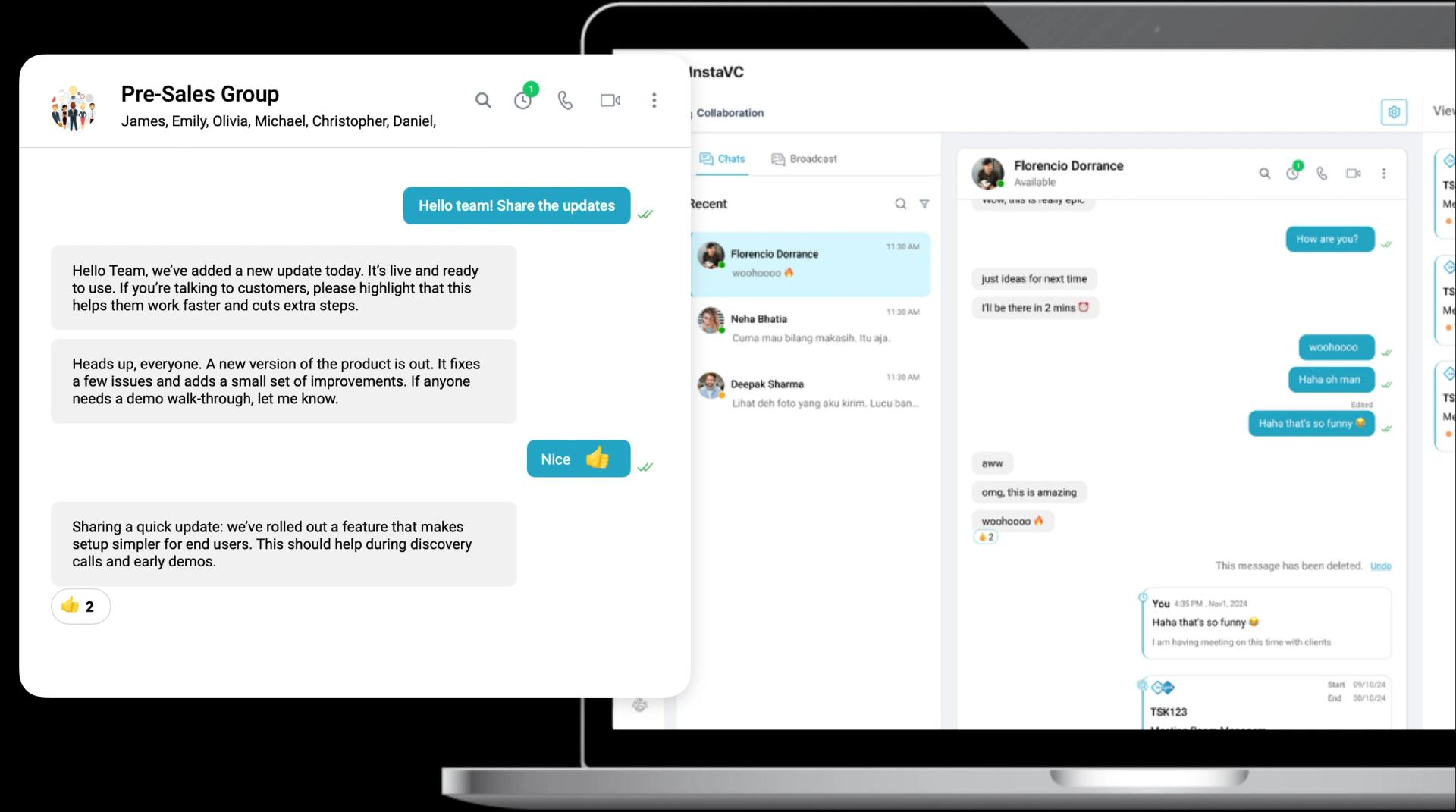
Centralize Compliance and Employee Success

  • Automatically share essential policy documents and training videos with new hires via dedicated New Joiner shared folders.
  • Store sensitive employee contracts and performance reviews in encrypted private folders with restricted admin-only access
  • Host a branded media library of event photos, culture videos, and internal newsletters to keep the workforce engaged.
  • Update a single Employee Handbook file and ensure the latest version is instantly available to the entire organization.
Centralize Compliance and Employee Success

Your Data Integrity is Our Priority

We provide enterprise-grade protection for your digital assets. From the moment you upload a file, it is shielded by multiple layers of security and governance.
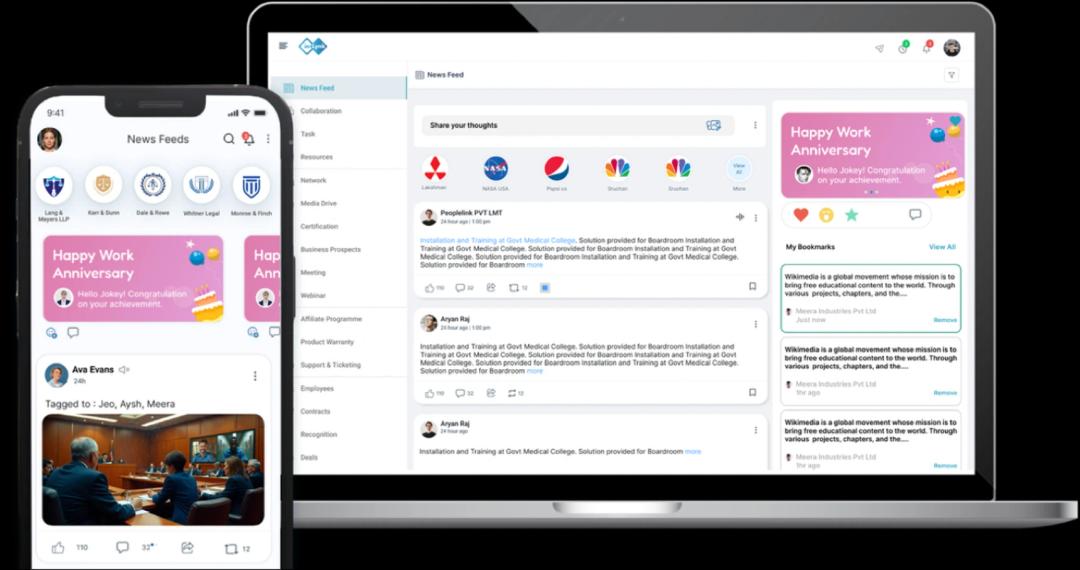
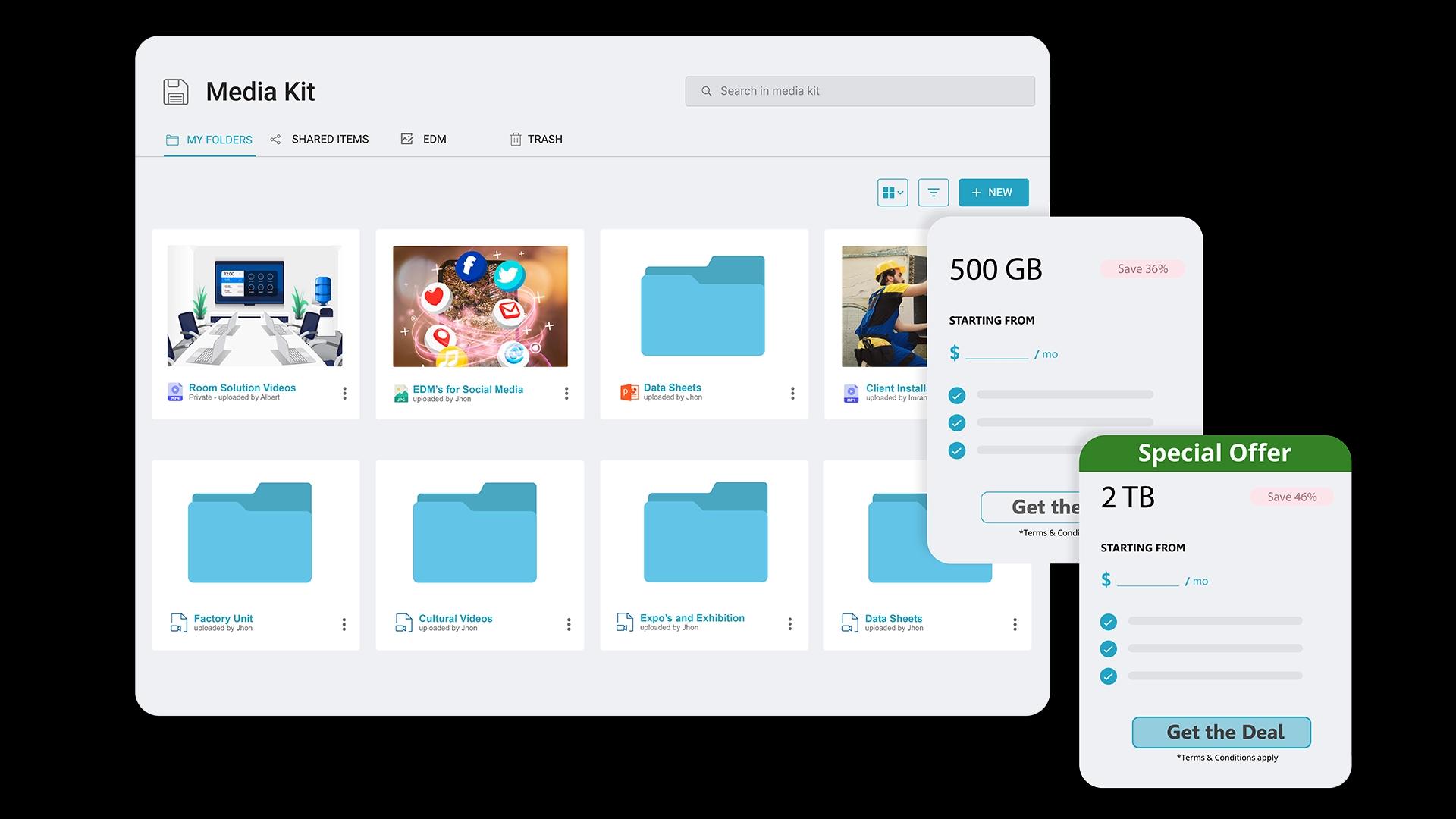
End-to-End Encryption

Regulatory Compliance

Role-Based Access Control

Audit Trails & Monitoring

Transform the Way Your Organization Shares Information

News Feed CTA

Frequently Asked Questions

1. What is the difference between the Personal and Shared Media Drives?
The Personal Drive is a private, encrypted sandbox for individual users to manage drafts and work-in-progress files. The Shared Drive is a collaborative space where teams and departments host official resources, ensuring everyone works from a single source of truth.
2. How does the Media Drive handle file security and access?
3. Can I share files with external partners or vendors?
4. Is there a limit to the file types or sizes I can upload?
5. How does the Custom Branding feature work for the Media Drive?
Can I link Media Drive files to other inLynk modules?
Personalized Storage

Personalized Storage

Forget generic folders! Create a personalized media drive that reflects your brand identity. Upload logos, product images, marketing materials, and more in a secure location.
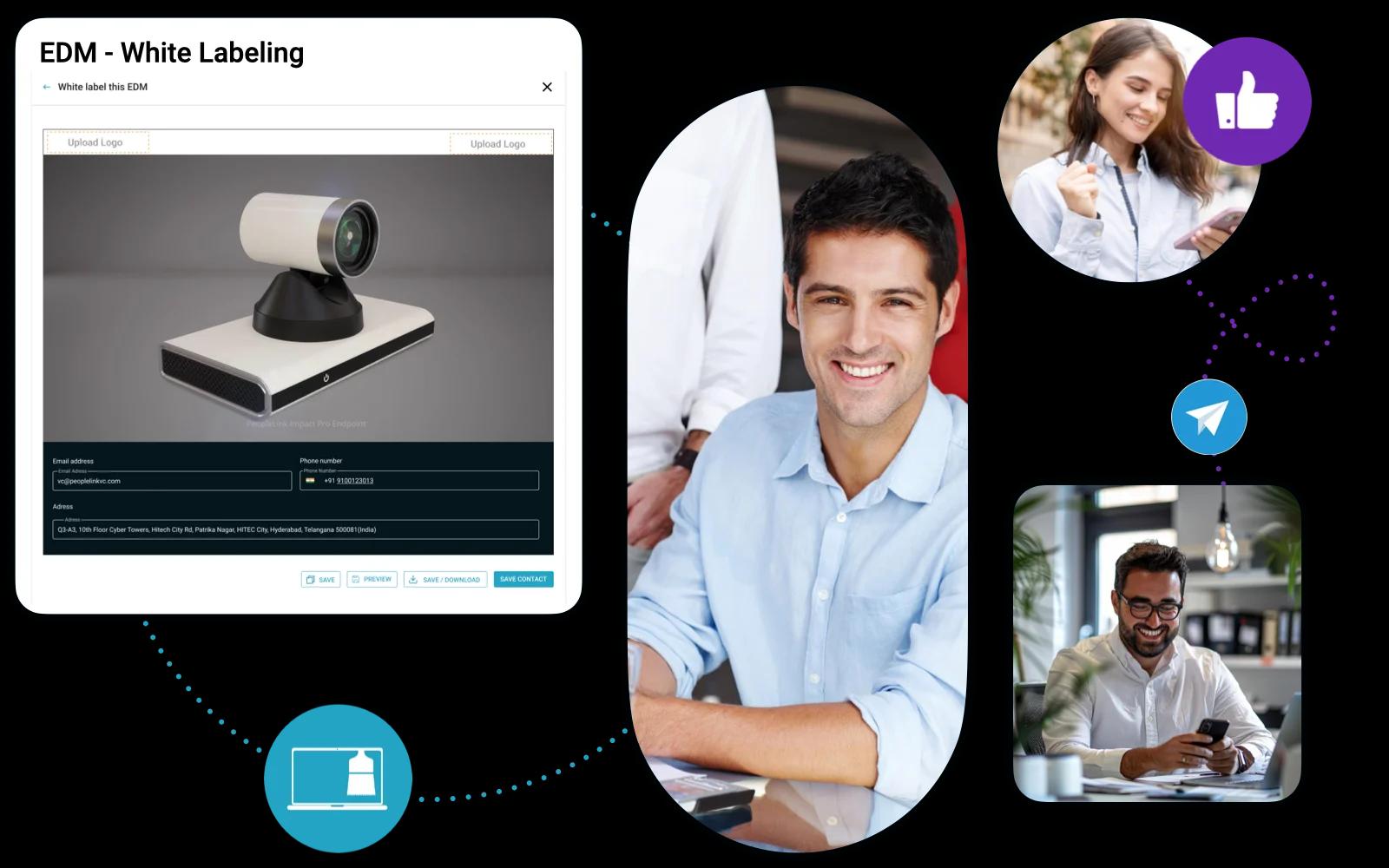
Custom Branding

Custom Branding

Ensure a unified brand experience across all campaigns. Access and use your brand assets directly from the Media Drive to create cohesive and professional materials effortlessly.
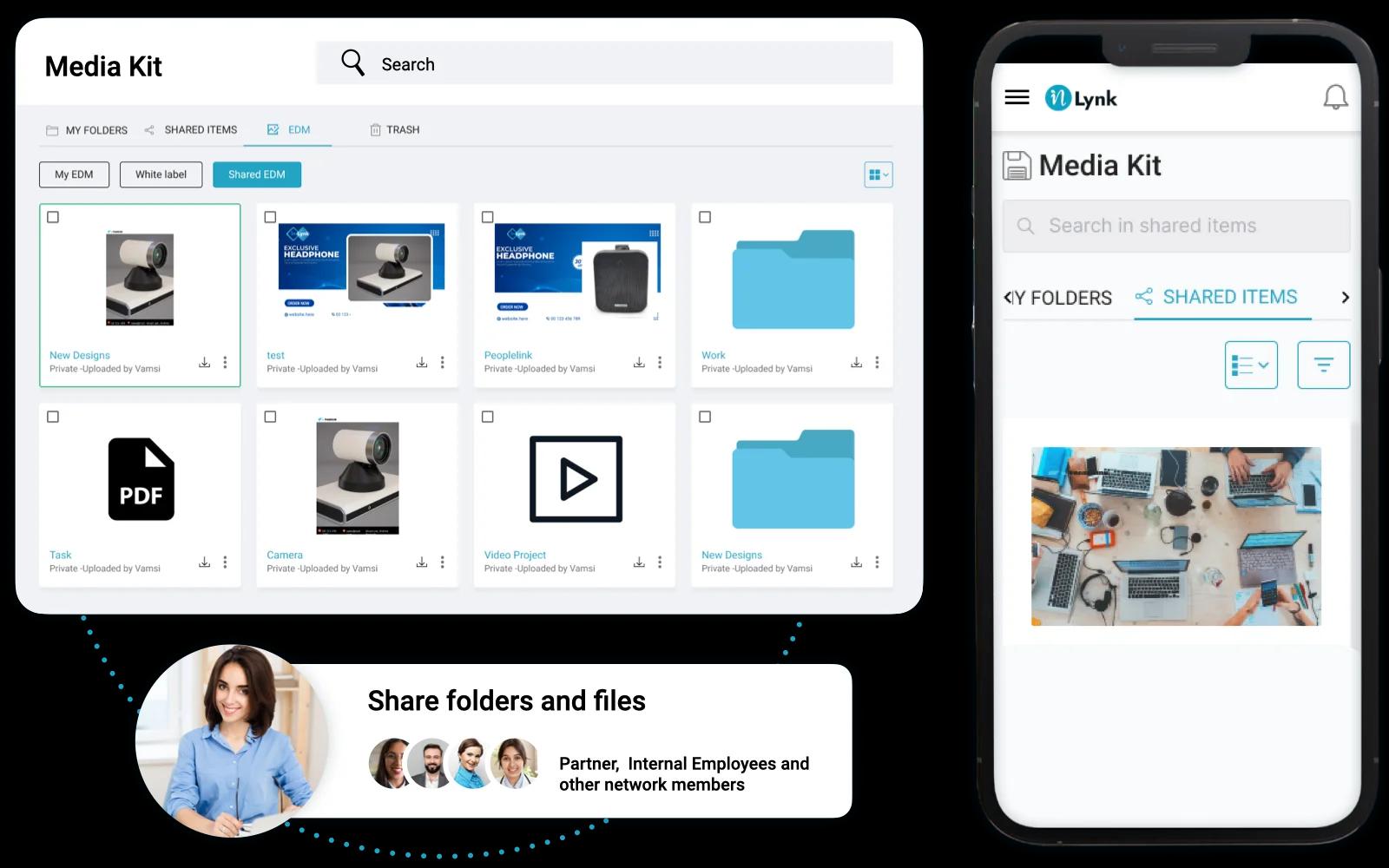
Quick Access, Maximum Impact

Quick Access, Maximum Impact

No more scrambling for the right image or presentation at the last minute. Your essential marketing materials are always readily available within the media drive, allowing you to react quickly and capitalize on opportunities.
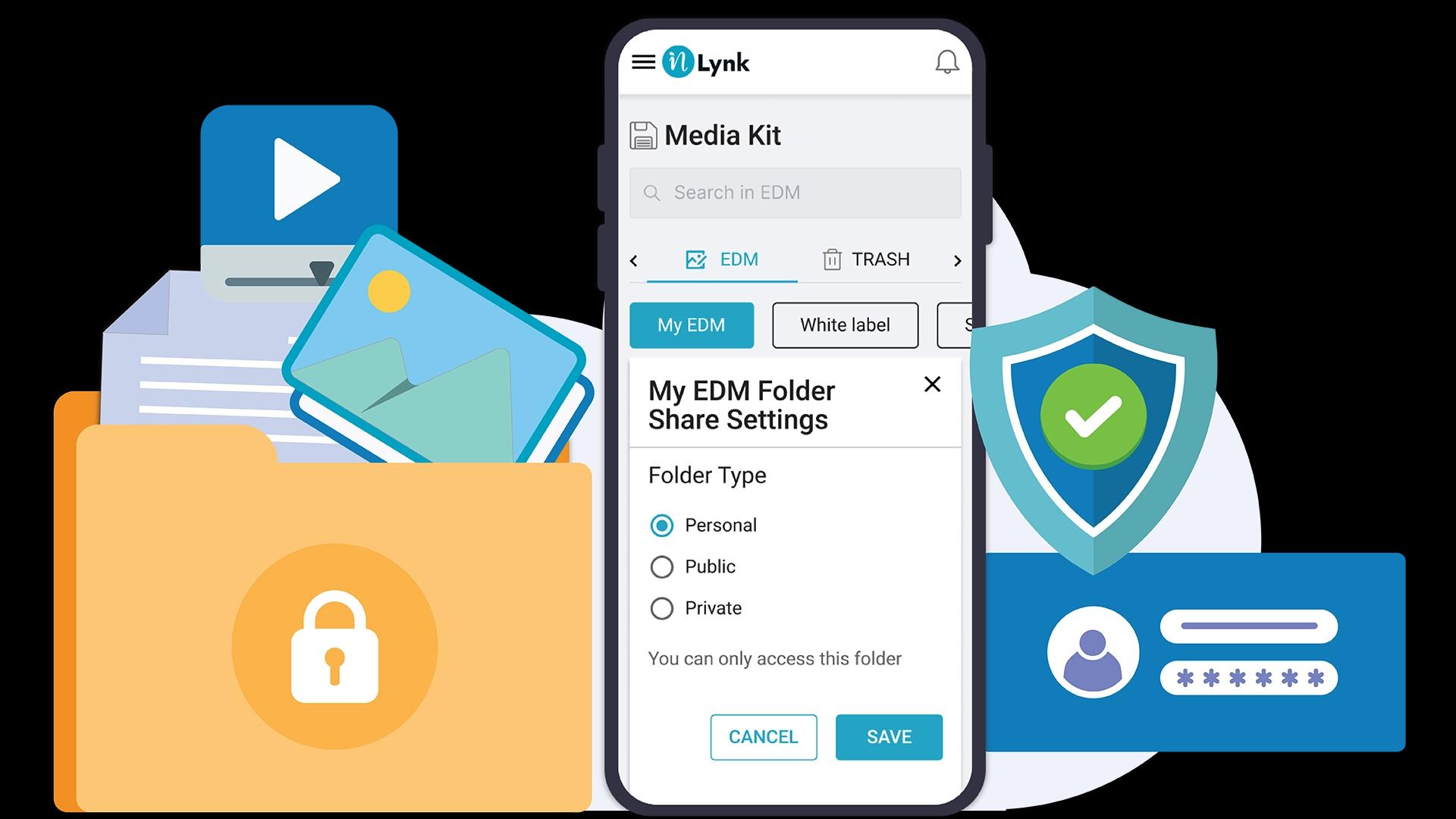
Granular Permission Management

Granular Permission Management

Maintain control over your content! Manage who can view, edit, or download specific assets, ensuring only authorized team members can access sensitive materials.