
- Support
Submit a ticket - Help Center
- Partner
Become a Partner - Learn
Blog - What's New
- FAQs
- Support
 Business Network
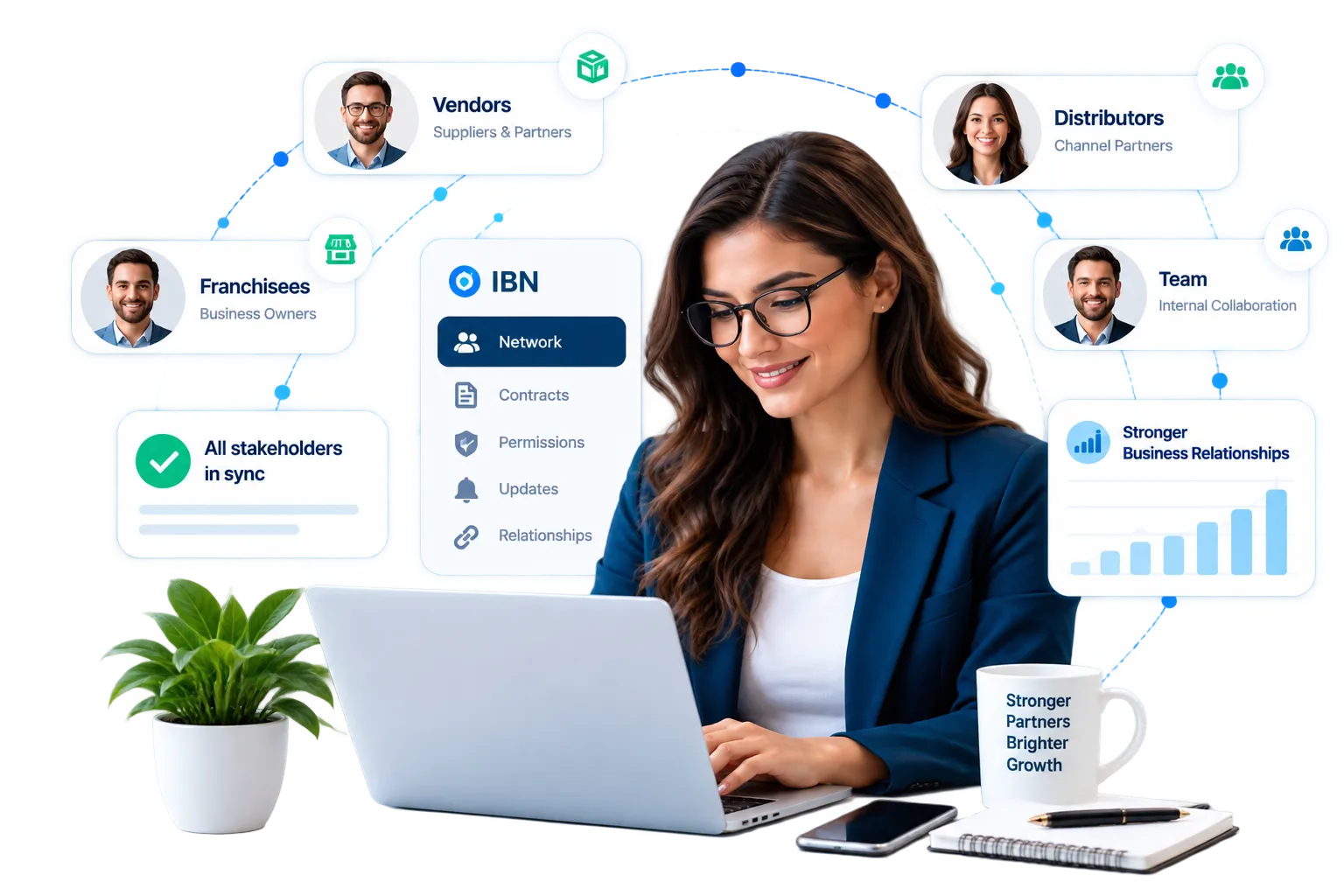
inLynk business network is a single workspace where your team, vendors, distributors, and franchisees share contracts, permissions, and relationships. Enjoy real-time updates with no integration layers or sync delays.
Trusted by fast-growing teams worldwide


Gaps between tools create manual work. Here are four common problems and how inLynk business network solves them.
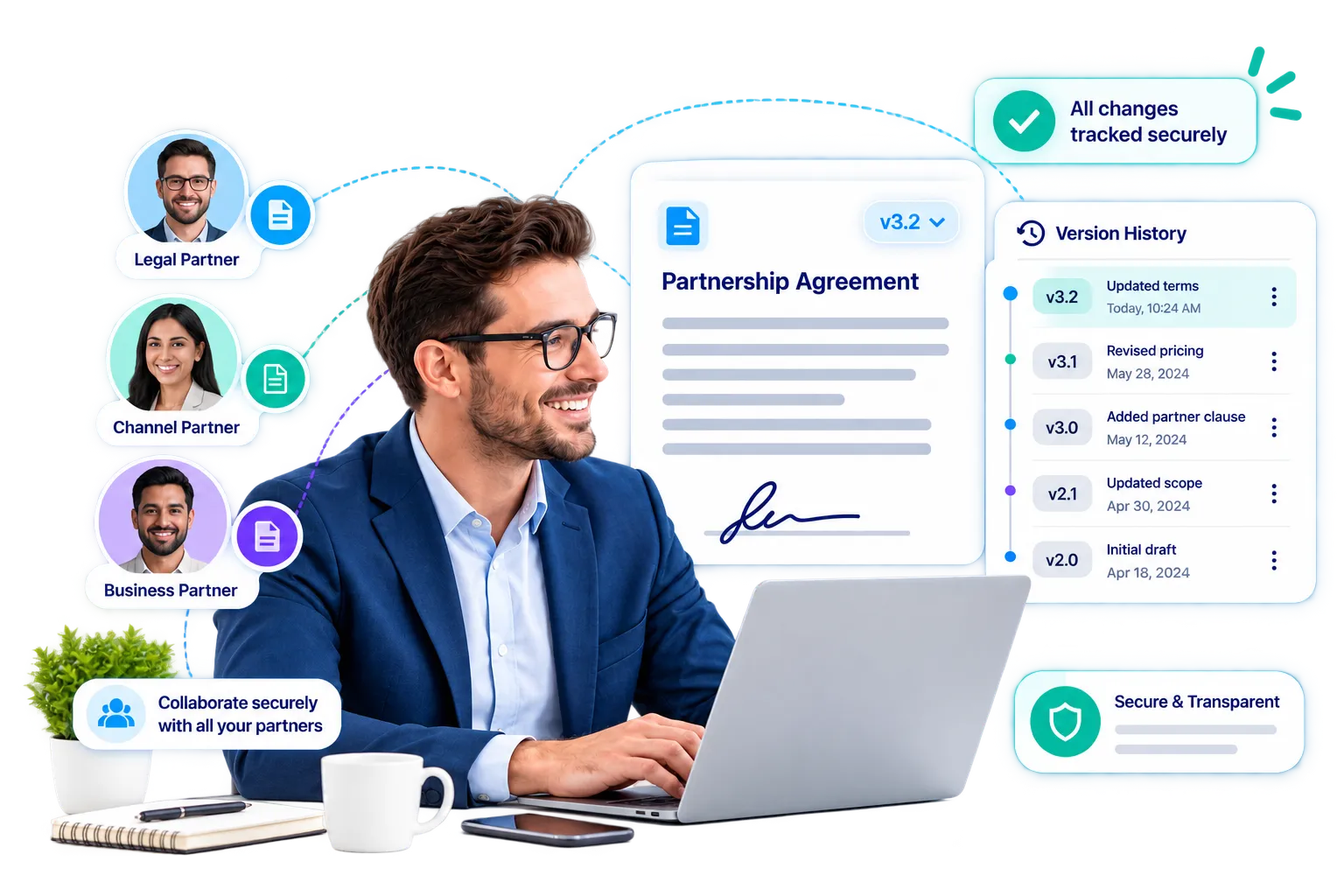
Problem: Which version of the contract is the partner viewing?
Solution: Partners review the live document through a secure link. We track every change in a single record.
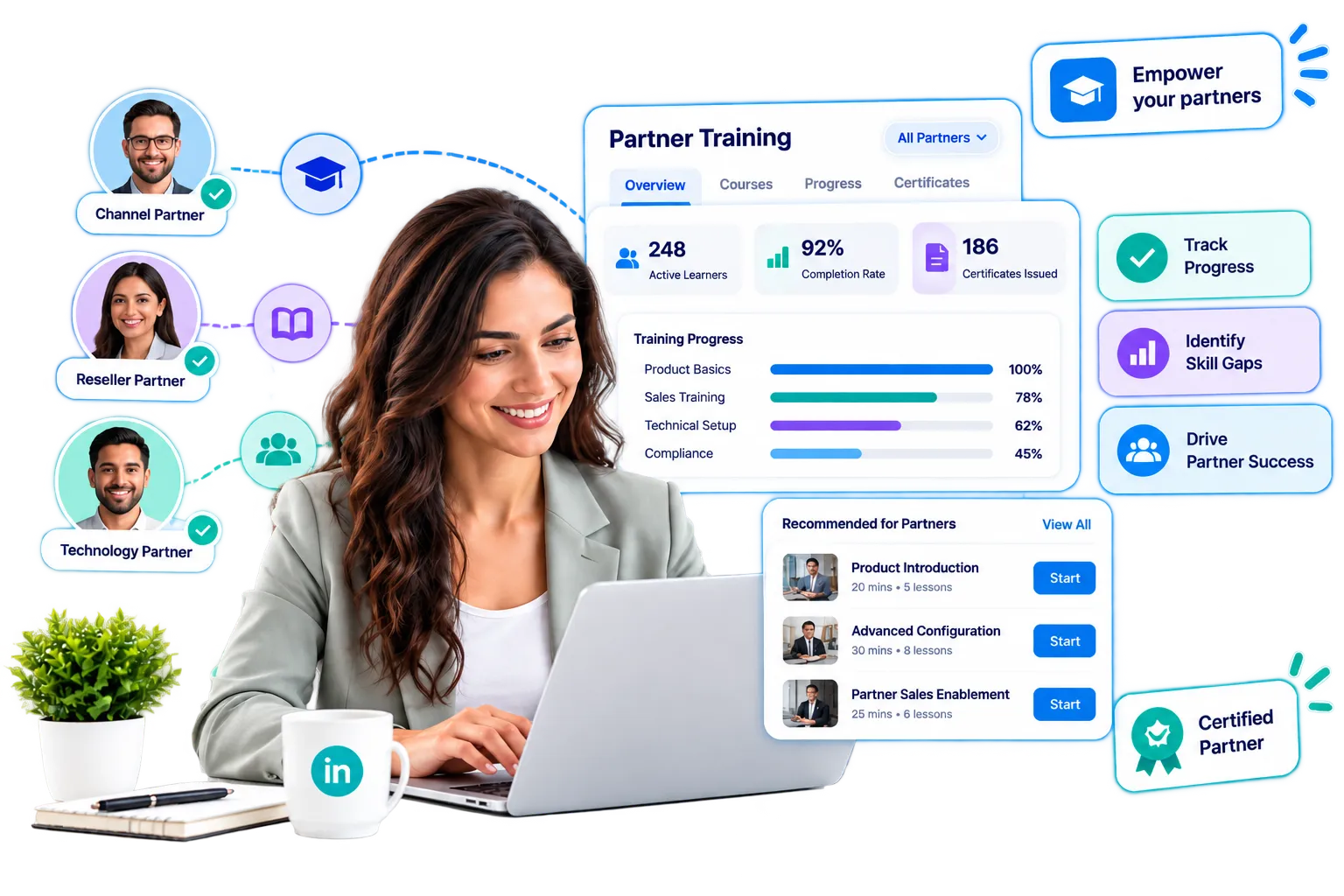
Problem: Our vendor's team finished training, but we cannot see their progress.
Solution: Course status and certifications update instantly on the partnership record.
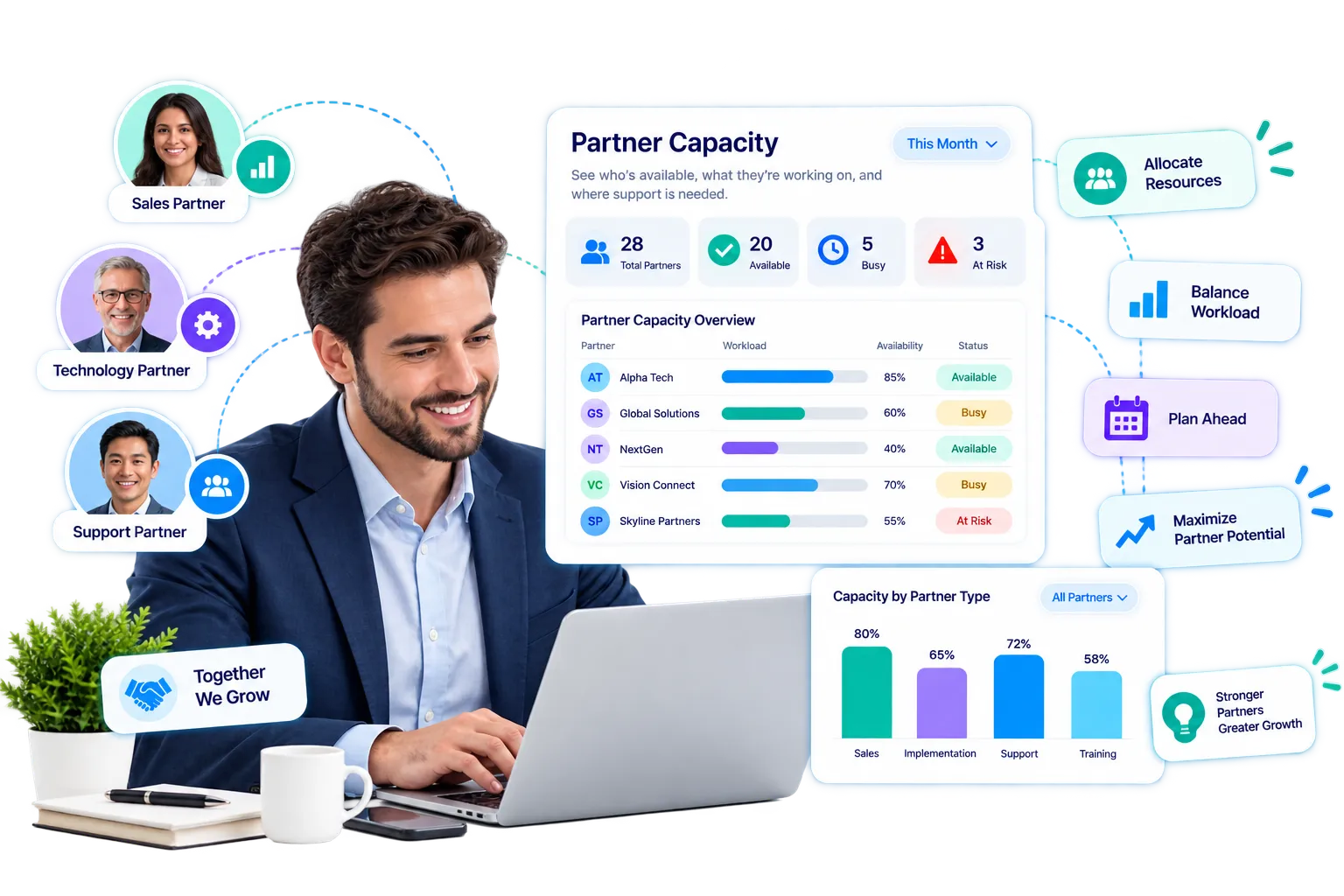
Problem: We assigned work to a distributor without knowing their capacity.
Solution: inLynk business network checks availability on both sides before assigning cross-organization tasks.
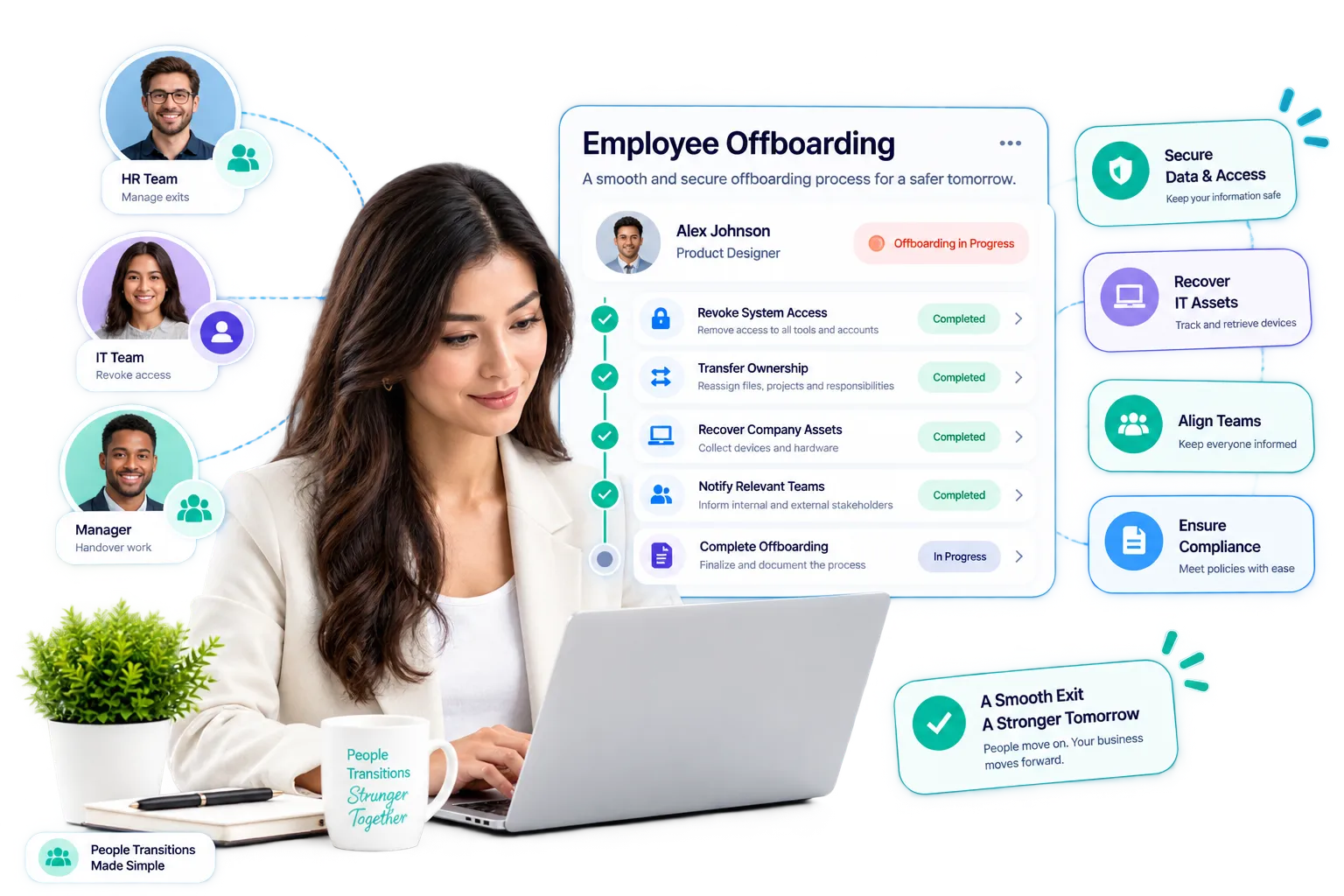
Problem: An employee left, and their open contracts and tasks are stuck.
Solution: Offboarding creates an impact report and requires task reassignment before removing the user.
A partnership agreed in the Contracts module determines what your partner can read, what courses they can take, and how work flows between organizations. Change it once, and it updates everywhere.
Invite and accept a partnership, or create one directly from a live contract.
The partner organization becomes visible, with its own profile and feed in your workspace.
Both sides choose what to share — resources, courses, or certifications — based on mutual consent.
Negotiate and sign contracts with a full audit trail for every action.
Track, remind, and escalate obligations, tasks, and learning automatically.
Either side can withdraw sharing access at any time without ending the partnership.

Filter by the problem you want to solve. Every card represents an active module.
A private social feed with approval workflows, reactions, and partner-relationship audiences.
One-to-one, group, and broadcast messaging kept separate per community.
Rich-text authoring, reusable templates, clause library, and version locking.
Electronic signature with audit certificate and identity verification before signing.
Track, escalate, and auto-renew commitments from both sides.
An internal academy for employees and partner personnel.
Auto-graded assessments, branded certificates, and verification codes.
Work becomes binding only after both sides agree on the effort and deadline.
Calculate real availability using working hours, leave, and current workload.
Discover, categorize, and manage relationships with distributors, vendors, and franchisees.
A people-level directory featuring connections, tags, and written recommendations.
Organization file storage with folder-level sharing and admin control.
See how inLynk brings contracts, partners, and business relationships together in one connected platform.
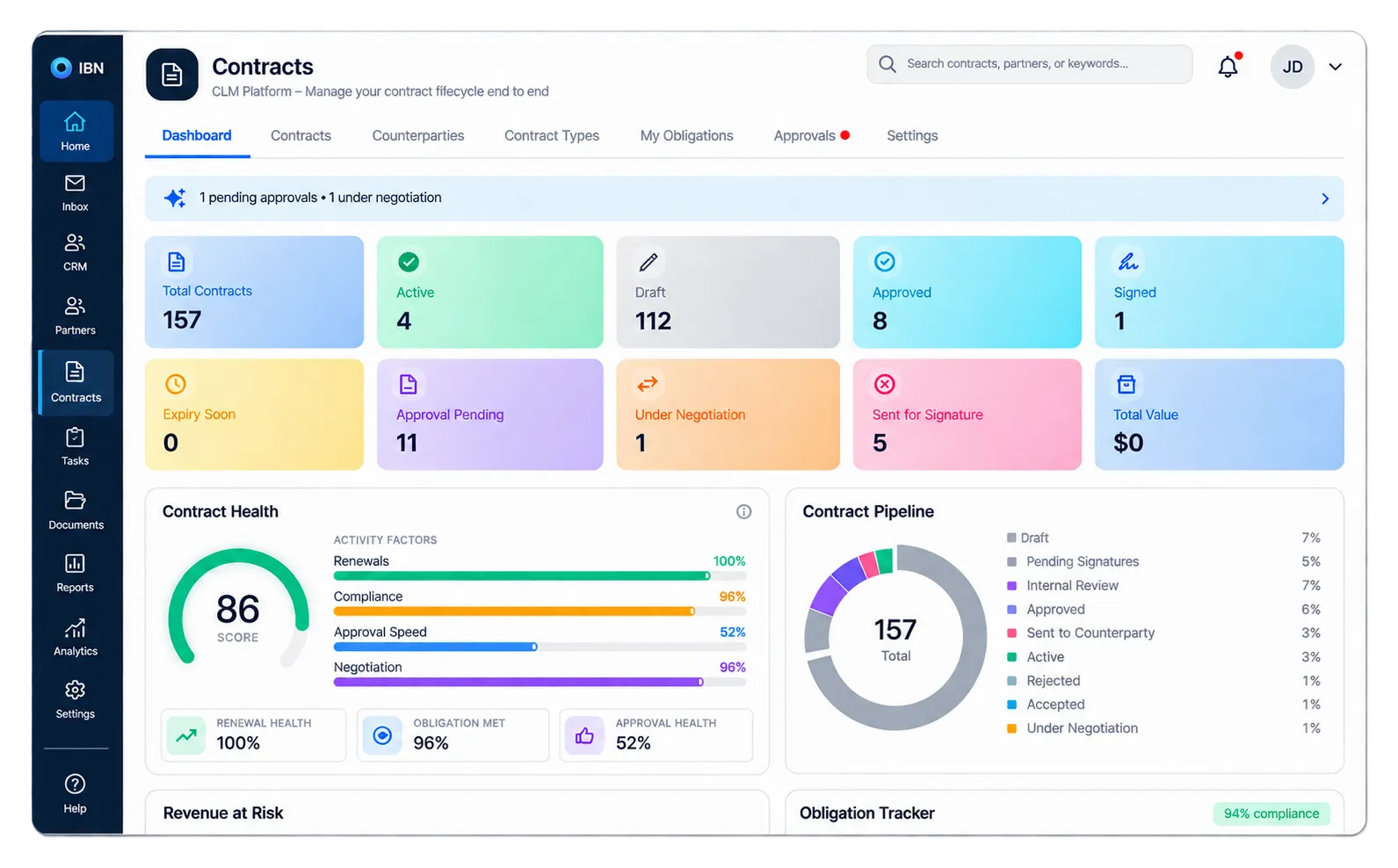
From authoring to signature to obligation tracking — one activity log, one audit trail.
Explore Contracts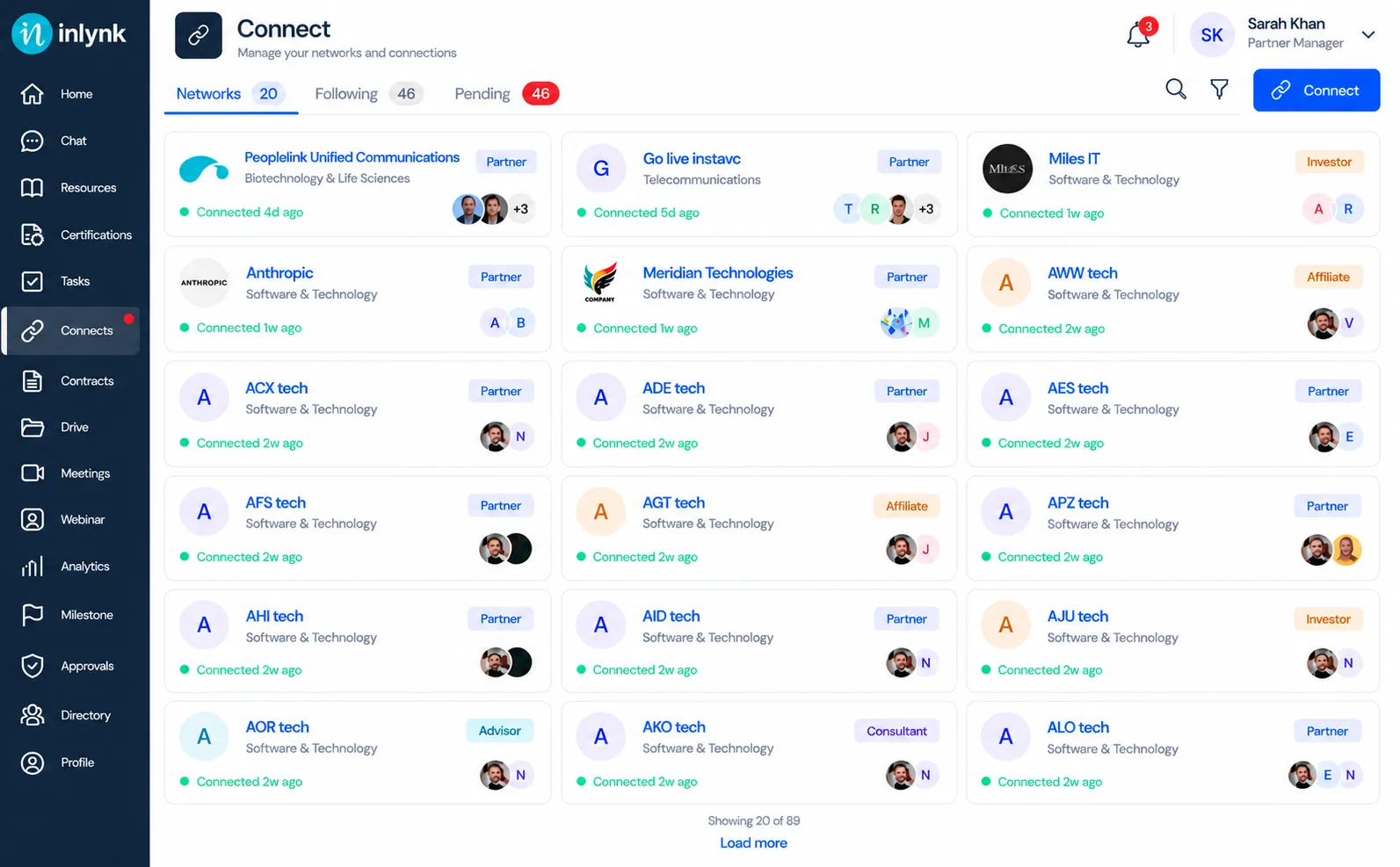
View every distributor, vendor, and franchisee relationship to see what they unlock.
Explore Partner NetworkWe check permissions on the server every time. We never rely on hidden interface controls for security.
Files stay secure and are reachable only through expiring links, never a public path.
Every permission check runs on the server to guarantee access control.
Track and export the actor, action, and timestamp across the entire platform.
We hide private task details at the data layer for non-participants, not just in the view.
See how businesses use inLynk to streamline partnerships and speed up contract processing.

"Before inLynk, we struggled with disjointed communication and scattered contracts across our distribution network. Now, everything lives in one central, secure workspace. It's completely transformed how quickly we onboard and manage our channel partners."
Tell us about your partner network and requirements — one module or the full platform — and we'll get back to you.
Create your account in just a few minutes, or book a 15-minute call to see how it works for your specific industry.